
A browser that finds the video or sound a page plays
ClipHearth's built-in browser finds the video or sound playing on a page, including live streams and internet radio, and saves it. It is for media you own or are authorized to keep, and it does not circumvent DRM.
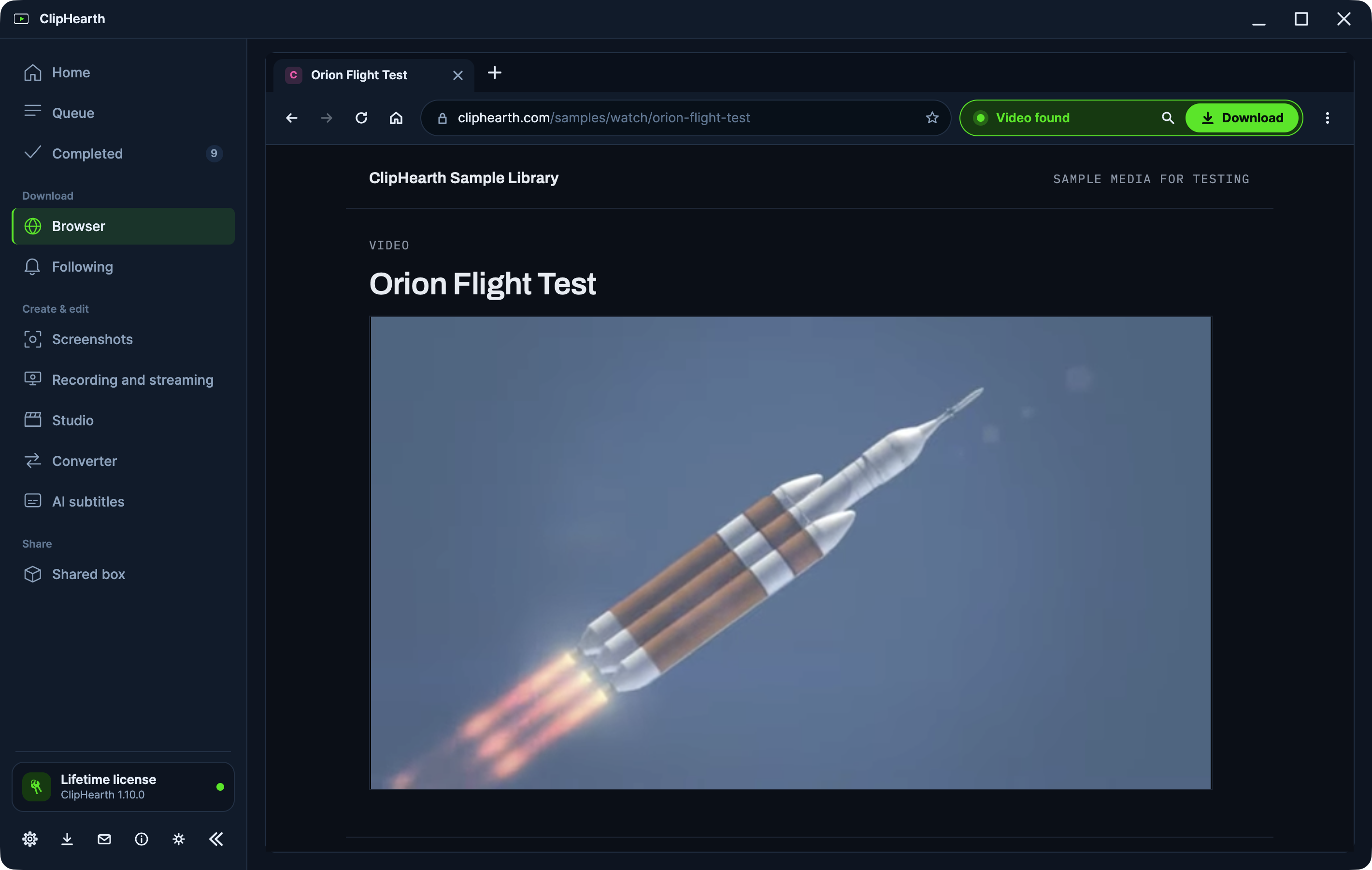
A real browser
Tabs, favorites, history, and an address bar that suggests pages from the first letter you type. A detector box next to the tabs shows what was found and what is being recorded.
The detector picks the best version
It scores every media request the page makes, filters out ad streams, and picks the highest-quality variant, HLS, DASH, or a direct file, before you click Download. The quality picker shows what was found on the site and on the page.
Live streams and radio
When a live stream is playing, Download becomes Record live: record in real time and stop whenever you like, and everything up to that point is saved. Record a stream at a set time records a radio programme or a live broadcast on its own, once, every day, on weekdays, or every week.
Sound on its own
Pages that play MP3, AAC, FLAC, or OGG files, sound-only HLS and DASH streams, and music or podcast pages show Audio found, and the file is saved in its original format without re-encoding. A live audio stream shows Live audio found, and Record audio keeps recording until you click Stop and save.
Playlists and parts
Queue a whole playlist or channel in one action, up to 500 entries, or save just a time range with the section picker. Add subtitles in the quality picker saves the site's own subtitles with the video.
Following
Follow a podcast, a playlist, or your own channel, and ClipHearth looks for new episodes every few hours while it runs and saves them into a folder named after it. With a license they come in by themselves; in the trial they wait for a click, and each one is a trial task.
Ads, trackers, and cookie prompts
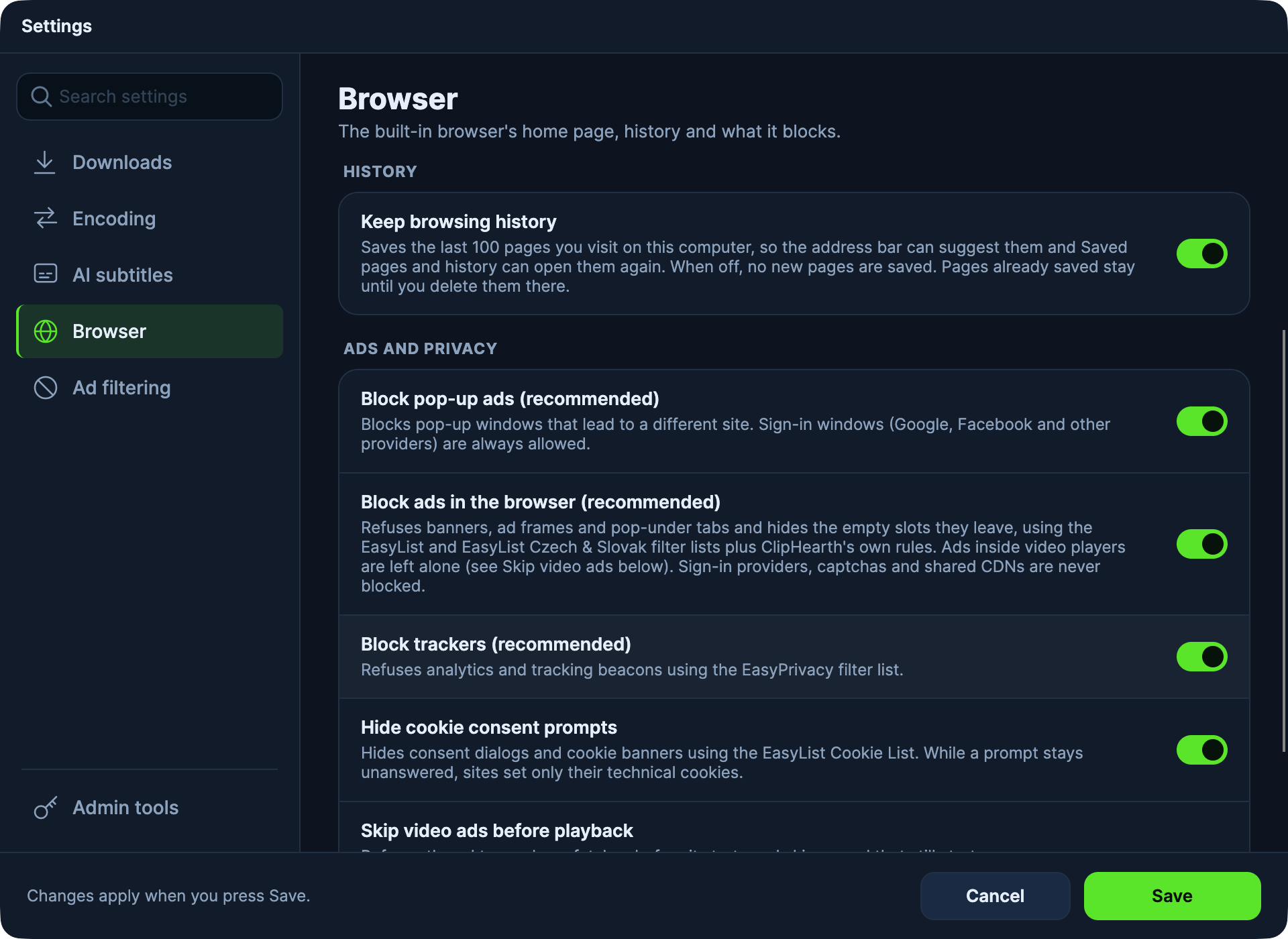
The browser refuses the ads and trackers a page loads around its content, using the public EasyList and EasyPrivacy lists plus ClipHearth's own rules, and hides cookie consent prompts. A site's own video player is left alone, and sign-in and human-verification checks are never blocked. It is on by default and can be switched off in Settings.
Questions
What can I save with it?
Media you own or are authorized to keep. ClipHearth does not circumvent DRM.
Can it record internet radio?
Yes. A live audio stream shows Live audio found, and Record audio records it as MP3, AAC, or OGG until you stop, or at a set time.
Does it block ads?
Yes. Ads and trackers around a page and cookie prompts are blocked by default, while a site's own video player is left alone.
Is it free to try?
Yes. Each download or recording is one of the three tasks of the free trial on each computer.