
ClipHearth press kit
Everything you need to list, review, or write about ClipHearth. Every fact on this page is checked against the app itself. Copy the descriptions as they are, or ask us for anything that's missing.
Fact sheet
- Product
- ClipHearth
- What it is
- Desktop media workbench: capture, convert, and edit video and sound
- Made by
- David Štencl and Ondřej Šumbera
- Based in
- Czech Republic
- Current version
- 1.9.0
- First public release
- 21 September 2026
- Platforms
- Windows 10 and 11 (64-bit and 32-bit), macOS (Apple Silicon and Intel), Linux on x64 and arm64 (.deb for Debian, Ubuntu, and Mint; tar.gz for other distributions)
- Price
- € 39 once for a lifetime license, or € 9 a month. Tax included. A lifetime license works on one computer, add more for 12 € each, up to 10; a monthly plan is for one.
- Trial
- 3 free tasks per device, no card, no account; screenshots and screen recordings up to 3 minutes free for good
- Refunds
- 14-day money-back guarantee on lifetime licenses, no reason needed
- Languages
- App: English, Czech, German, French, Spanish, Brazilian Portuguese, Italian, and Polish. Website, Terms, Privacy Policy, and license texts: English
- Links
- cliphearth.com · Download · Release notes · Help
- Press contact
- info@cliphearth.com
Descriptions
Capture your screen, convert, and edit video and sound in one desktop app.
ClipHearth is a desktop media workbench for Windows, macOS, and Linux. It takes screenshots, records your screen, and saves the video or sound a page plays, then converts and edits it on your computer. For media you own or are authorized to keep.
ClipHearth is a desktop media workbench for Windows, macOS, and Linux, in English, Czech, German, French, Spanish, Brazilian Portuguese, Italian, and Polish. It takes screenshots you can mark up and find by their text, records your screen, microphone, and camera, and its built-in browser finds the video or sound playing on a page, including live streams and internet radio, which it can also record at a set time. The Converter turns files into 12 video and 9 audio formats, GIF included, in batches or under a target size. The Studio (called the Editor before 1.8.0) puts videos and photos on one timeline with transitions, collages, and layers, cuts a video by editing its text, and takes out pauses and ehms; its timeline lays out the camera, titles, zooms, chapters, and every sound track. It burns in word-by-word captions, makes vertical clips and App Store previews, adds music, a logo, and clean-up, always as a new file. Following brings in new podcast episodes on its own, and a shared box sends files between your computers, encrypted end to end. Both come with the license, as does the optional AI that runs on your computer. ClipHearth is for media you own or are authorized to keep and does not circumvent DRM. Try it free for 3 tasks; screenshots and screen recordings up to 3 minutes stay free for good.
Key features
- Screen recording: a display, a window, an area, or a game, with the computer's sound, the microphone, and the camera (its background removed or blurred without a green screen); voice clean-up, push-to-talk, each sound on its own track, highlighted clicks, the pointer's path and, when turned on, the shortcuts you pressed kept next to the recording for the Studio, instant replay, Test 5 s
- Screenshots: an area, a window, or the whole screen with one key, also in games, and a scrolling capture of a long page or window; arrows, boxes, numbered steps, blur and a spotlight; Cover private details finds and pixelates e-mails, phone numbers, card numbers, IBANs, and common API keys (check before you share); the text copied out of anything on the screen; search by the words in a capture
- Shared box: texts, pictures, screenshots, and files between your computers or with a friend, directly or through a relay server when they cannot reach each other (20 GB a month per license), encrypted end to end, a license on every computer, no account, and a lock with its own password on a shared computer
- Built-in browser with a stream detector for HLS, DASH, and direct files, including live streams and internet radio: live streams record until you stop them, playlists of up to 500 entries queue in one action, time-range sections, subtitles embedded in the file; a stream or a radio programme recorded at a set time, once or on repeat
- Following: new podcast episodes and playlist entries come in on their own while the app runs (with a license; in the trial each download is one task)
- Converter with 12 video and 9 audio formats (video to GIF and GIF to video too), batches, named presets, hardware encoding, and a target file size, and a watched folder whose new files convert once they are finished, originals untouched; MP4, MOV and MKV keep every sound track and the chapters
- Studio (called the Editor before 1.8.0): videos and photos on one timeline, trimmed by dragging their edges, with transitions, looks, slow moves over photos, collages, title cards, up to four layers over the picture, keyframes, and colours per clip
- Studio: edit by text and cut the ehms, big word-by-word captions, vertical formats, split into parts
- Studio: remove pauses and noise, loudness for podcasts, video sites or broadcast, music that goes quieter under speech, watermark, zooms that move between places, steady a shaky picture
- Studio: every sound track on a timeline with its own volume, sync and noise clean-up, a voice-over recorded from the play position or over a sentence, a part cut out of the middle, split, copy and paste, J, K and L, keyboard shortcuts
- Studio projects: your edits are saved as you work, and a project can be saved alone or with copies of all its files to move it to another computer
- Studio for screen recordings: the camera in the corner, alone, or beside the screen part by part, the room behind you blurred or replaced after recording, text, titles and pictures that fade or slide in, marks (arrows, boxes, numbered steps, a spotlight, blur) over part of the video, a zoom that follows the pointer, the shortcuts you pressed shown as text, chapters kept through every cut
- Studio exports: App Store previews for iPhone, iPad and Mac, a GIF under a set size (a GIF opened in the Studio can go out as a GIF again), H.265, and a fast trim without re-encoding
- Optional AI on your computer, included in the license: subtitles (.srt, .vtt) and transcripts (.txt, .md), translation, edit by text, and captions, with a list of names and terms to spell right
- Tags and covers for sound files, written without touching the sound
- Ads and trackers around a page, and cookie prompts, blocked in the browser, on by default
- Interface in English, Czech, German, French, Spanish, Brazilian Portuguese, Italian, and Polish; the website and the legal texts are in English
- Signed updates, no analytics or telemetry, and edits and conversions never overwrite the original
Logos and brand






Square icon also as PNG in 512, 256, 128, 64, 48, 32 px, for catalogs that ask for a fixed size.





- Name
- ClipHearth, one word, with a capital C and H. Section names in the app are sentence case: Converter, AI subtitles, Screen recording, Screenshots, Shared box.
- Colors
- Navy #0A0F18 for surfaces · Green #5BE52A for actions only · Text #E8EFF8
- Typefaces
- Archivo for text, IBM Plex Mono for labels and technical details.
Screenshots and video
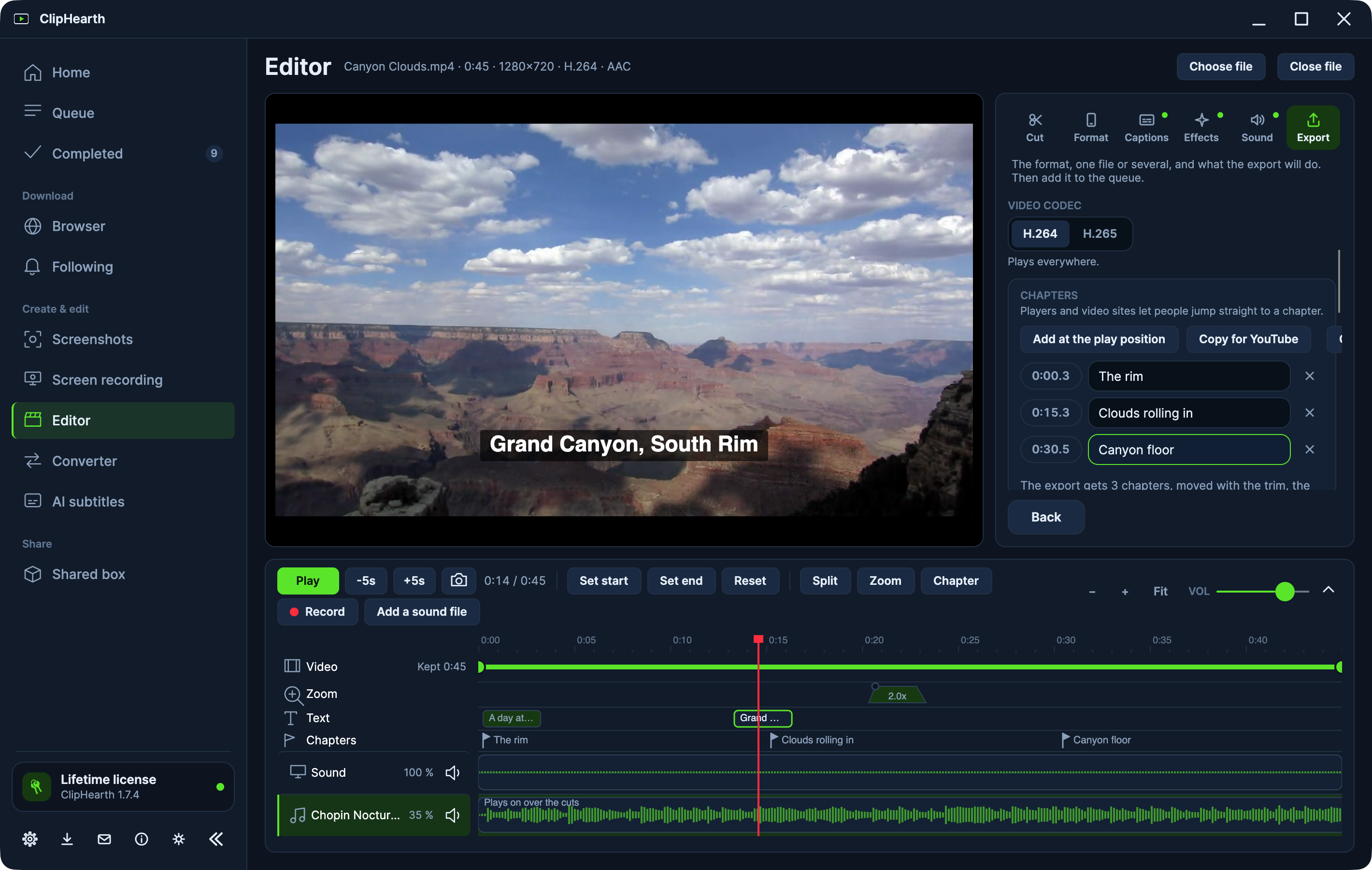
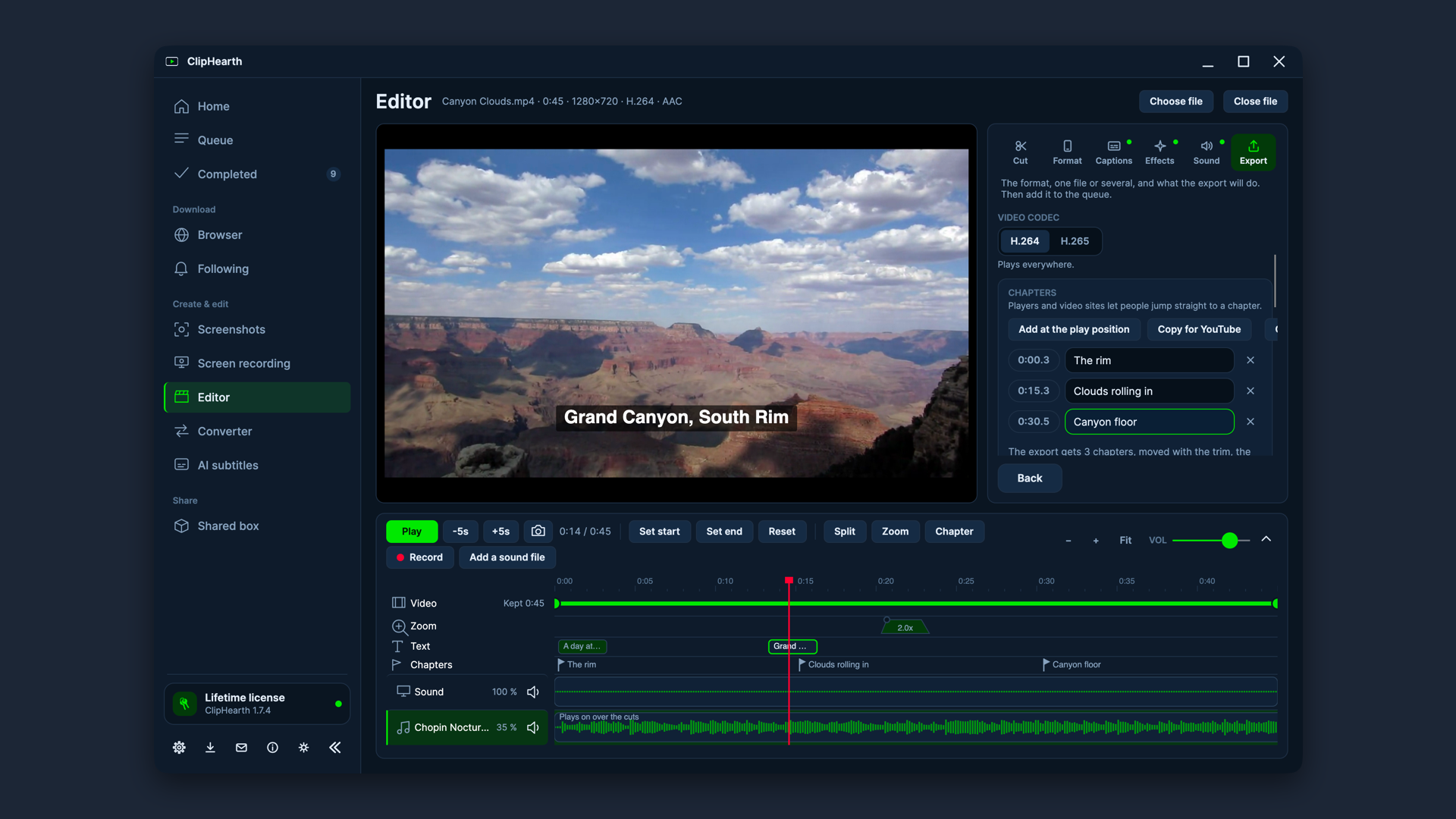
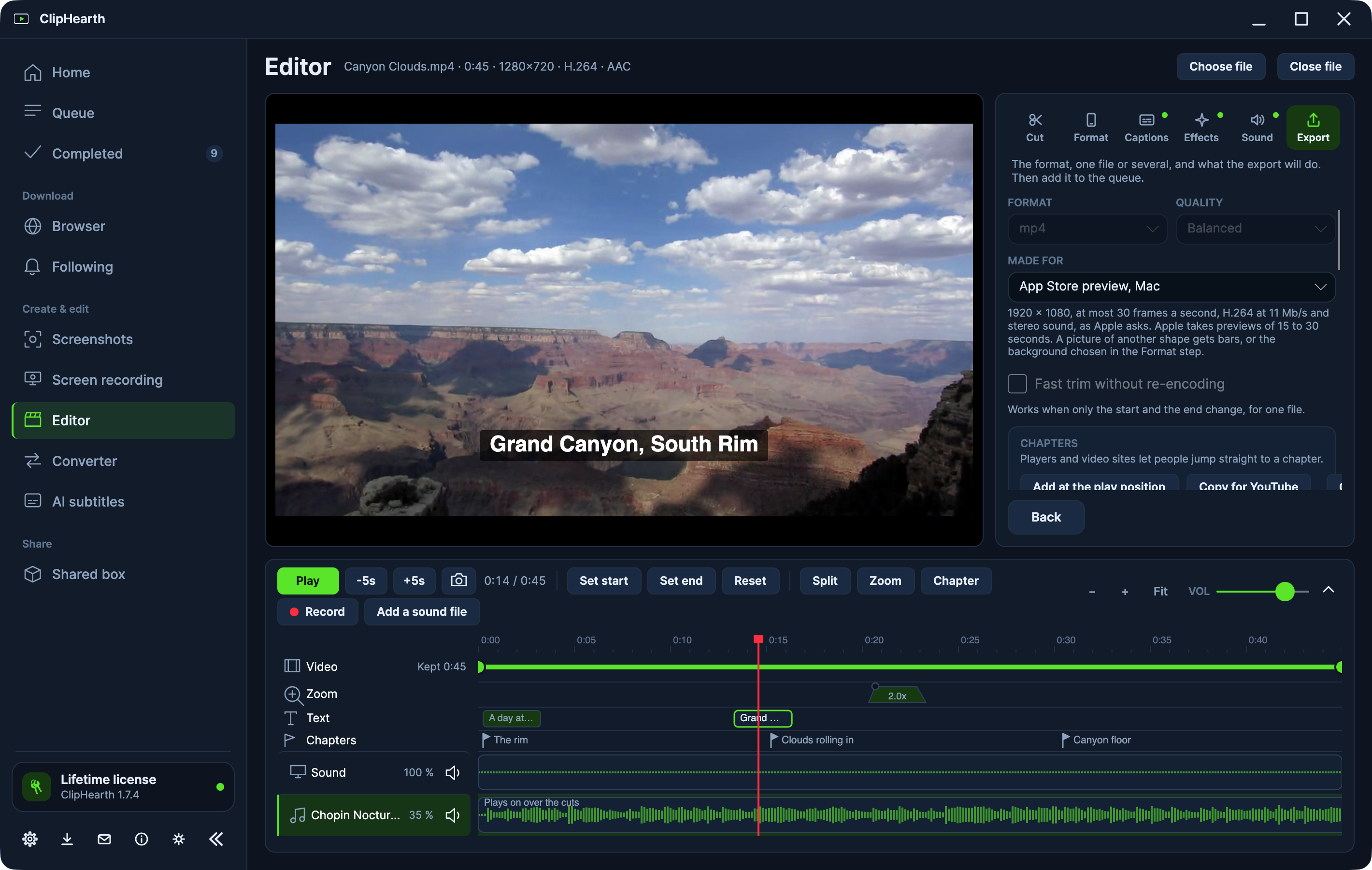
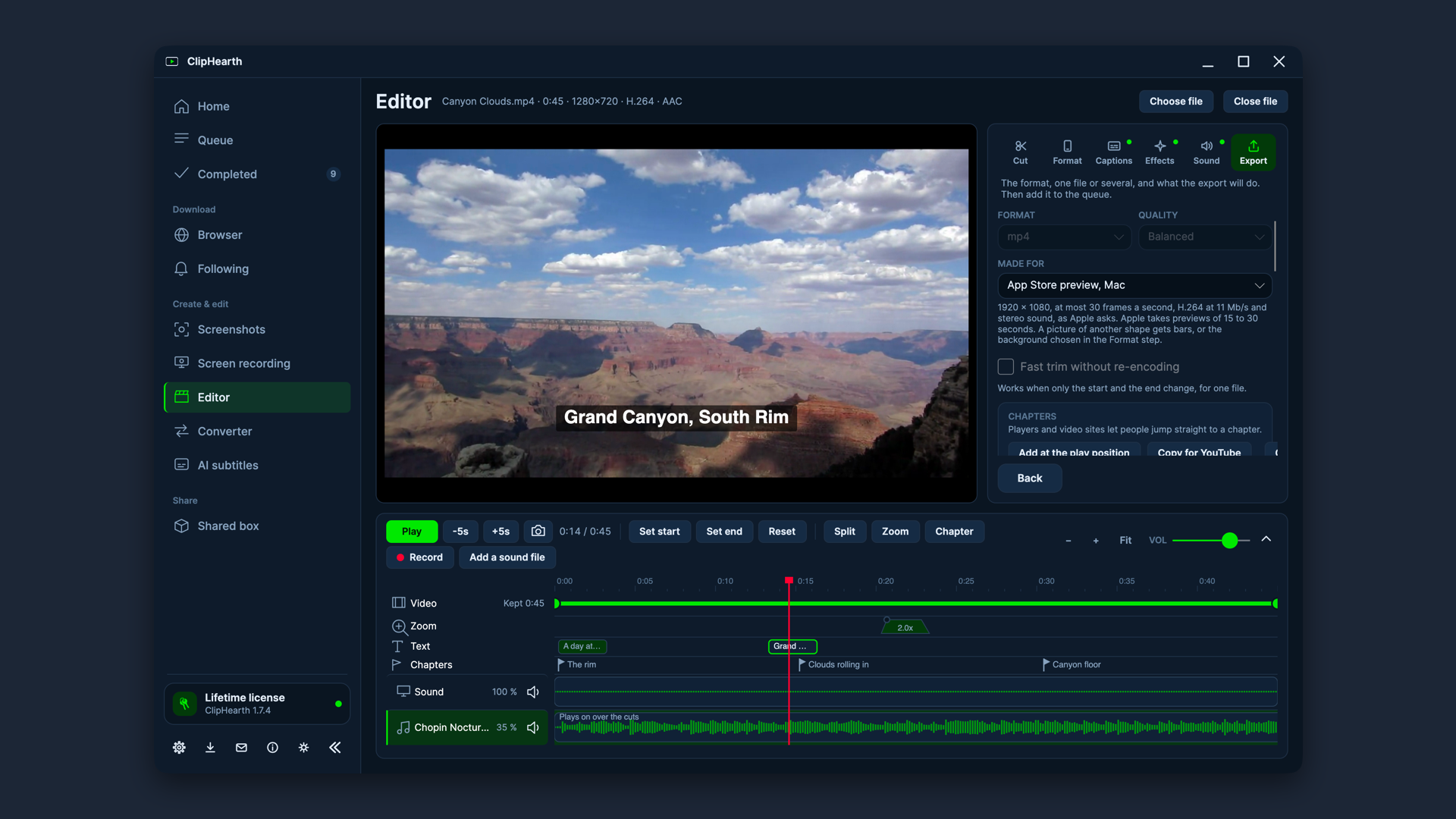
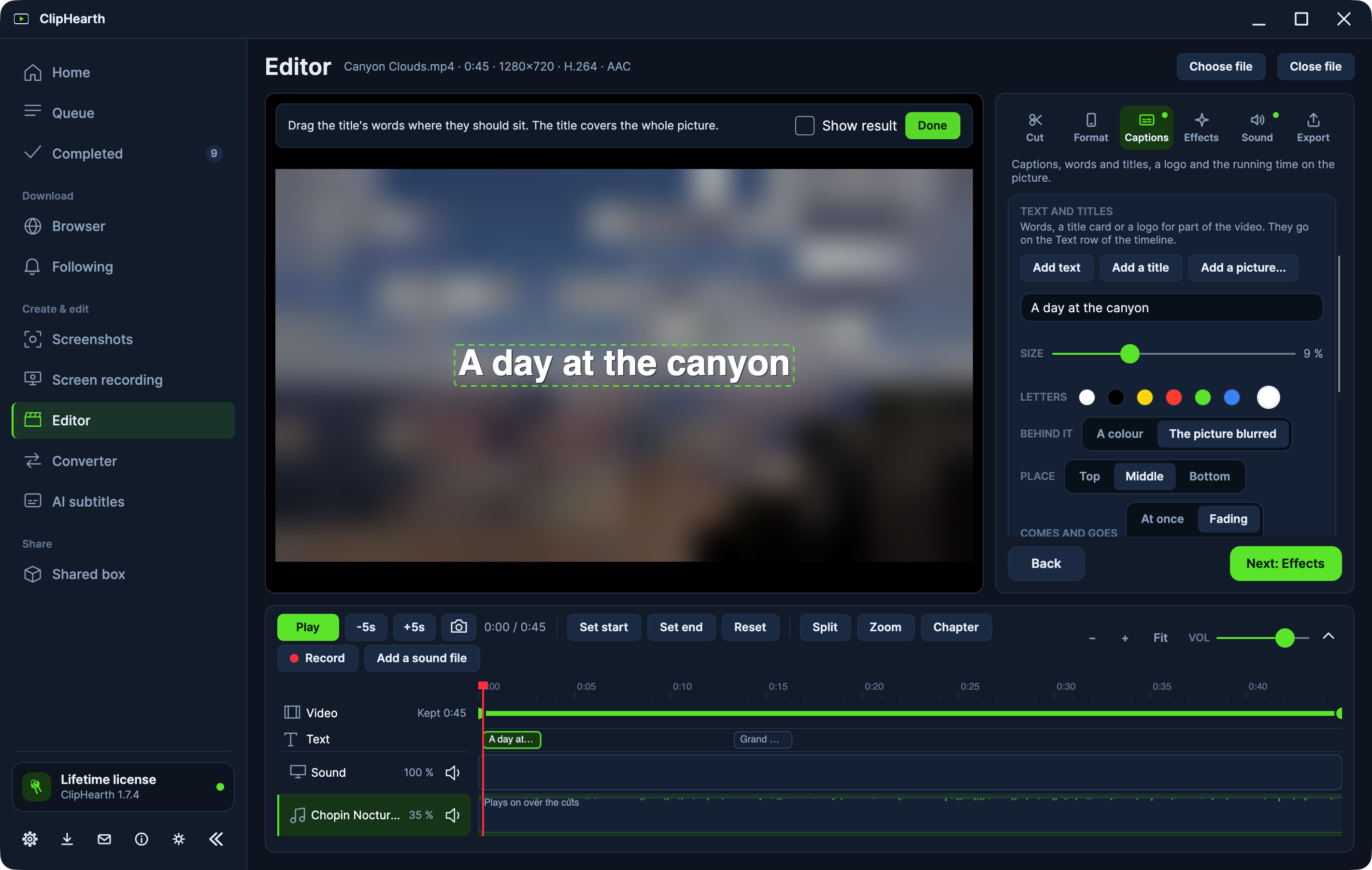
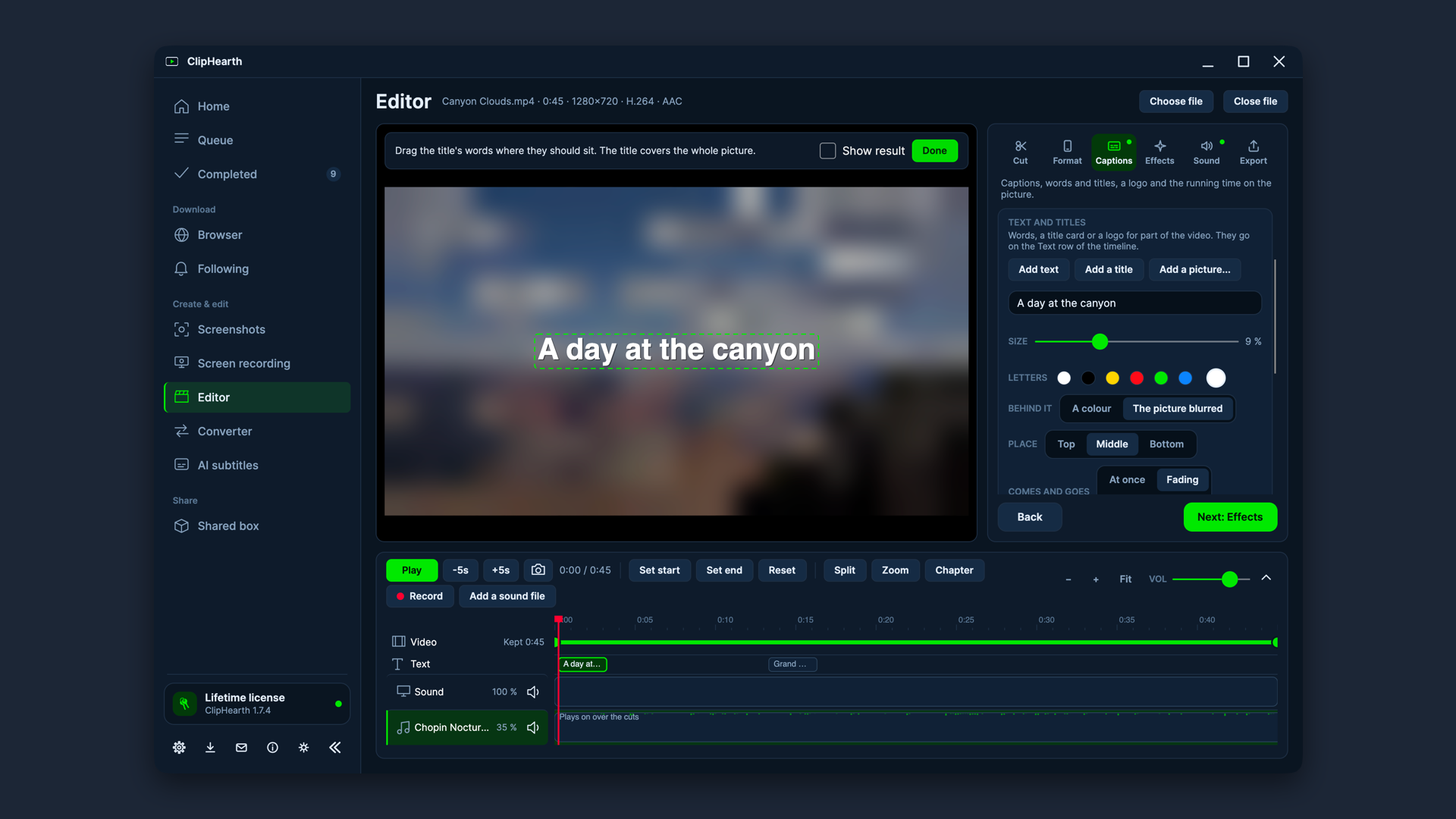
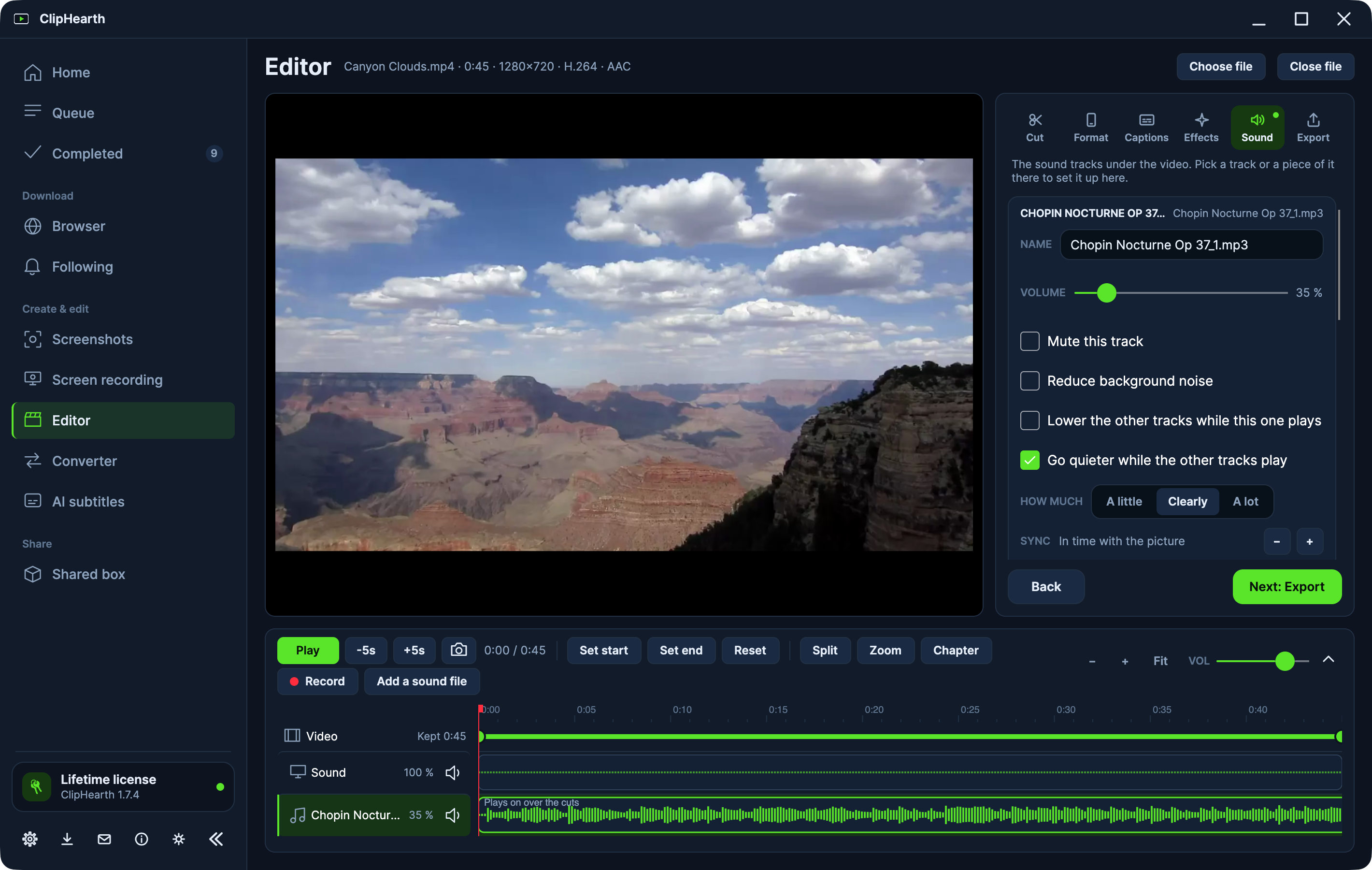
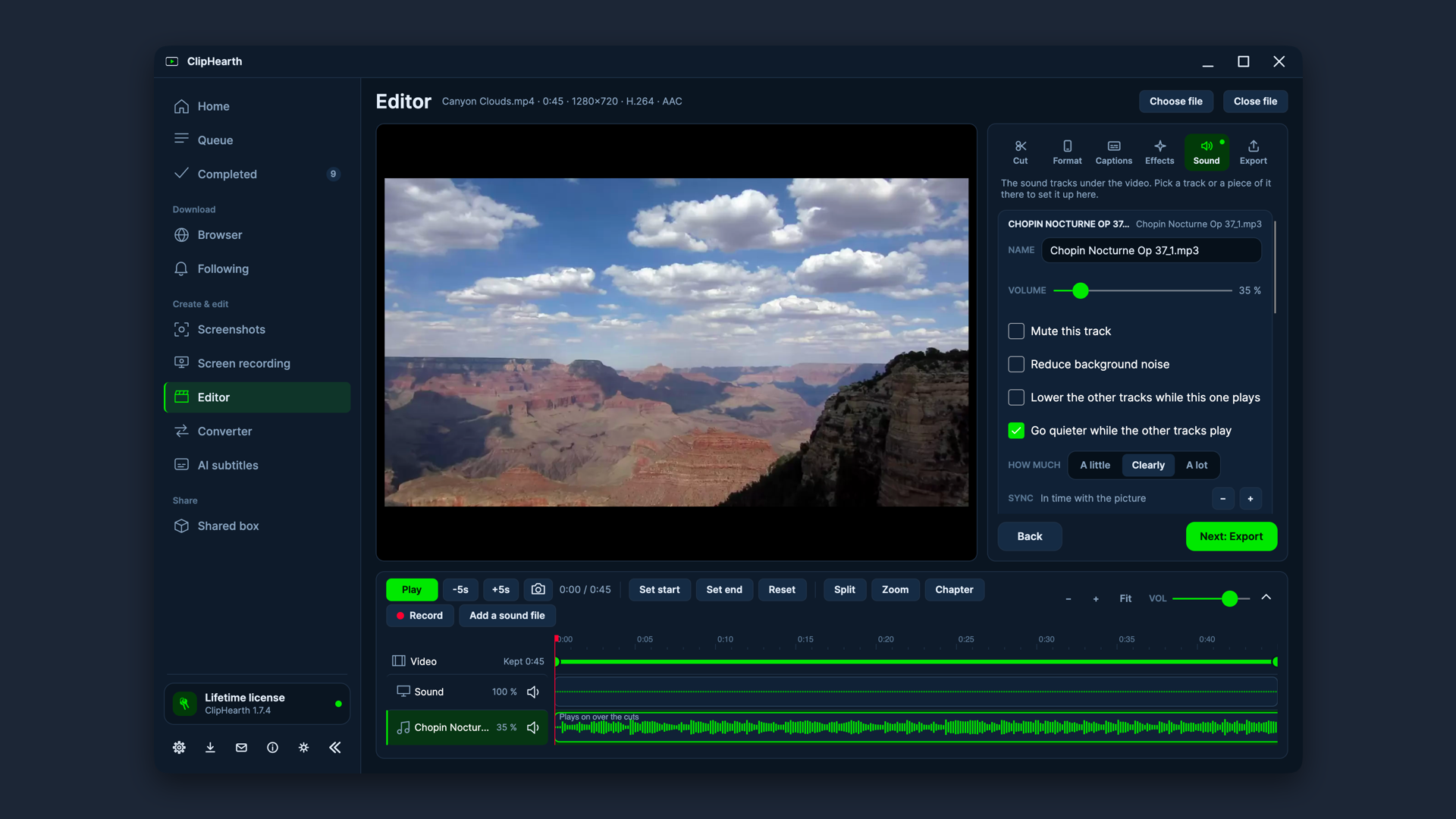
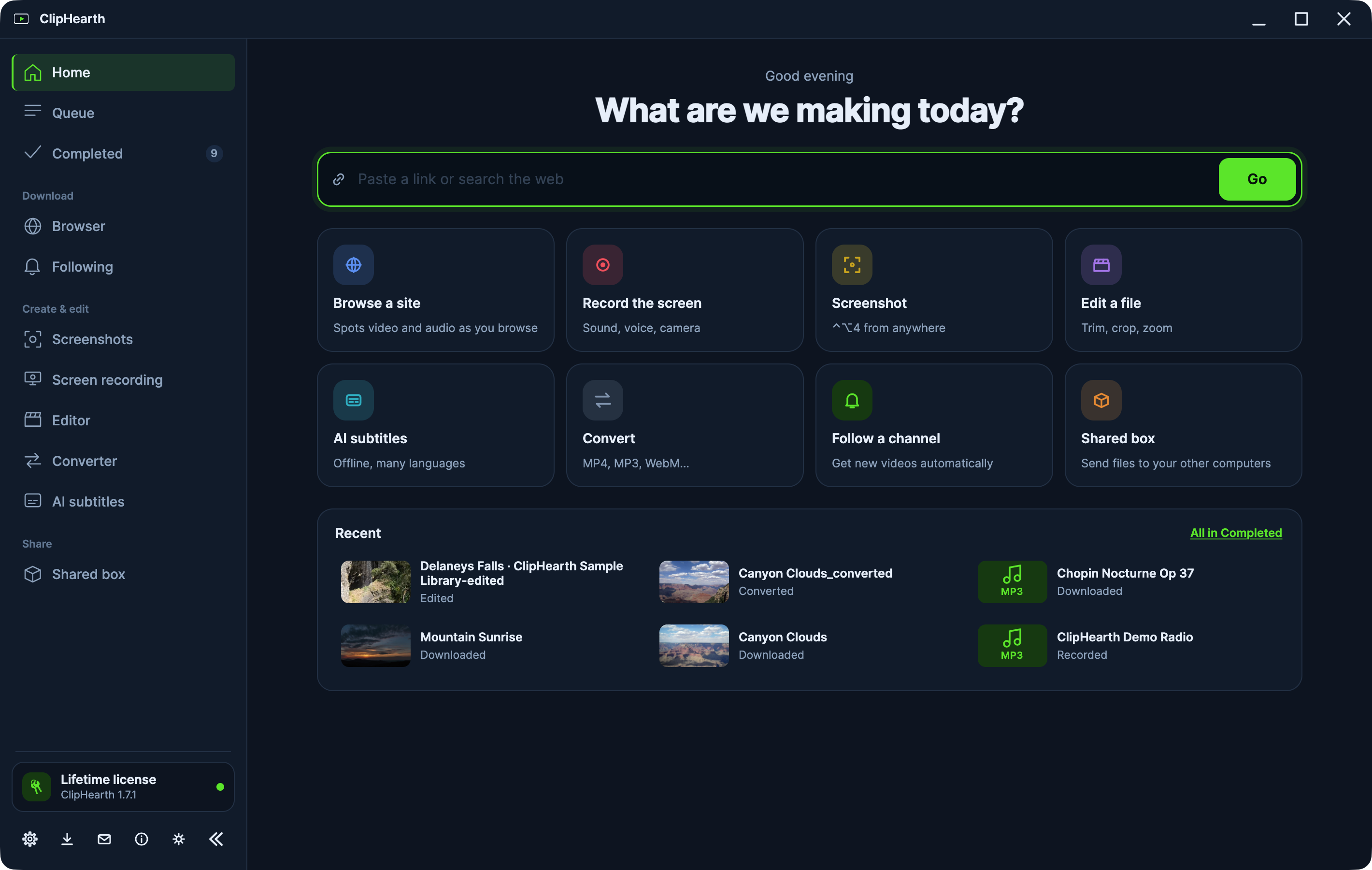
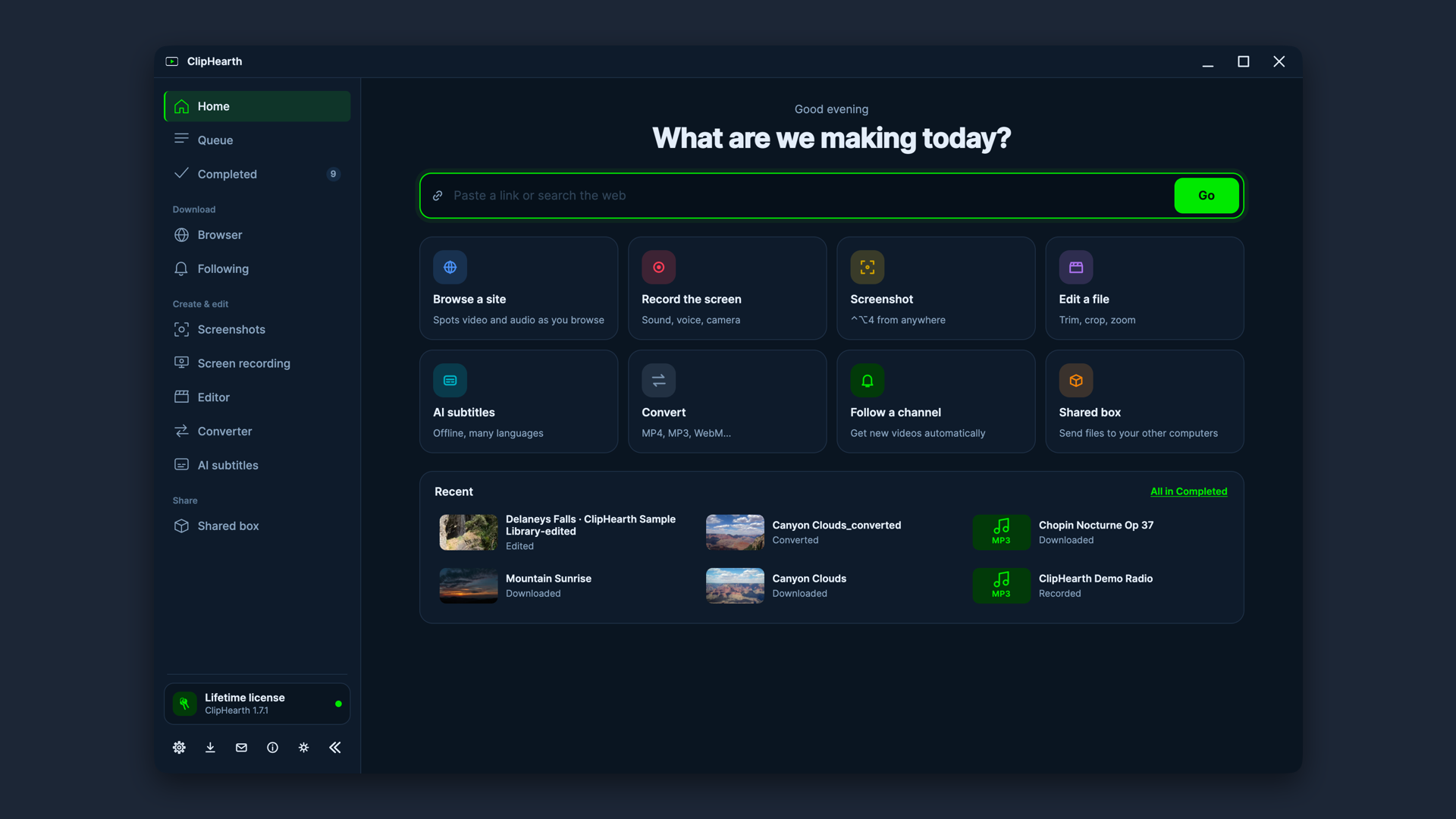
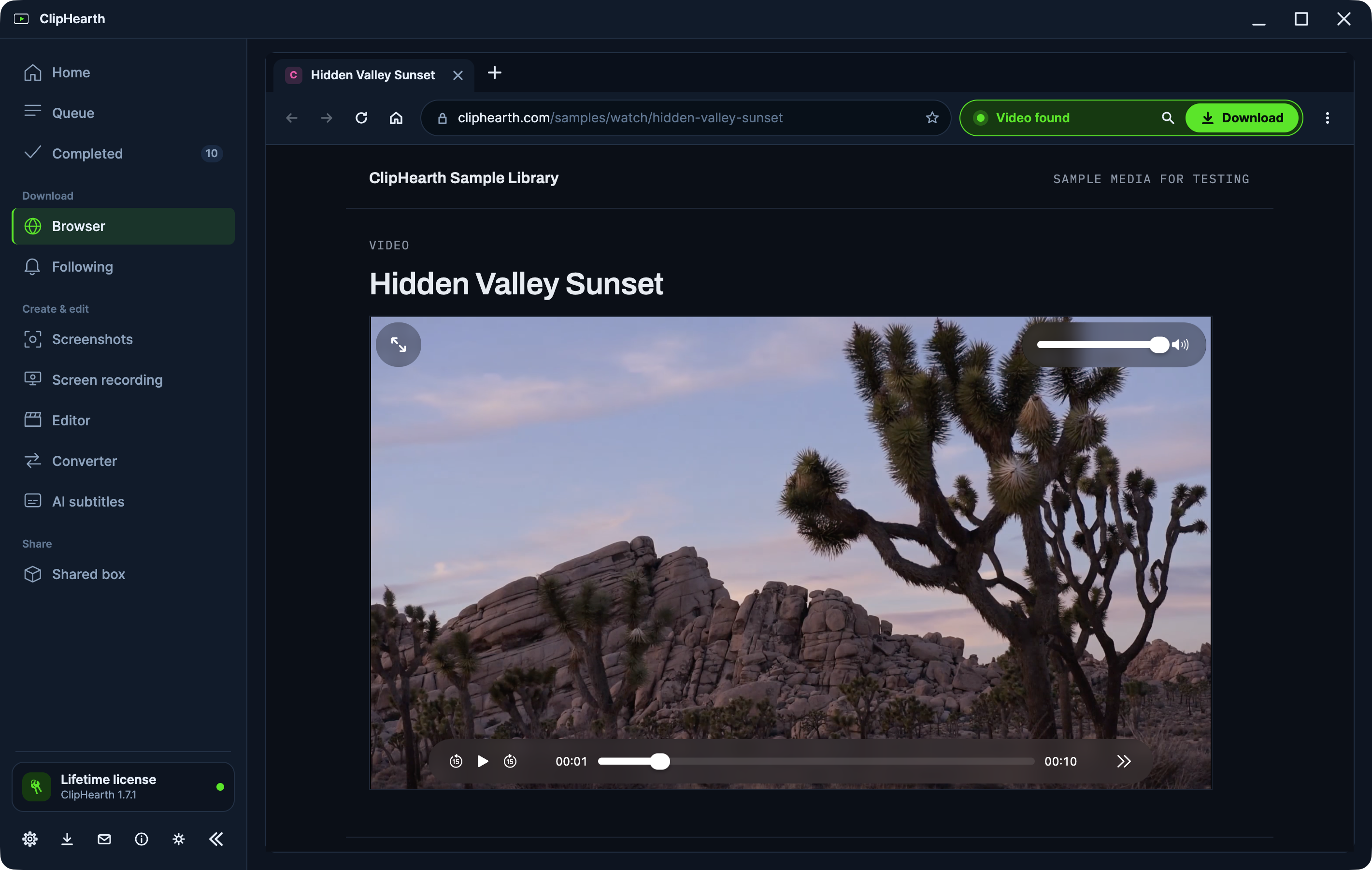
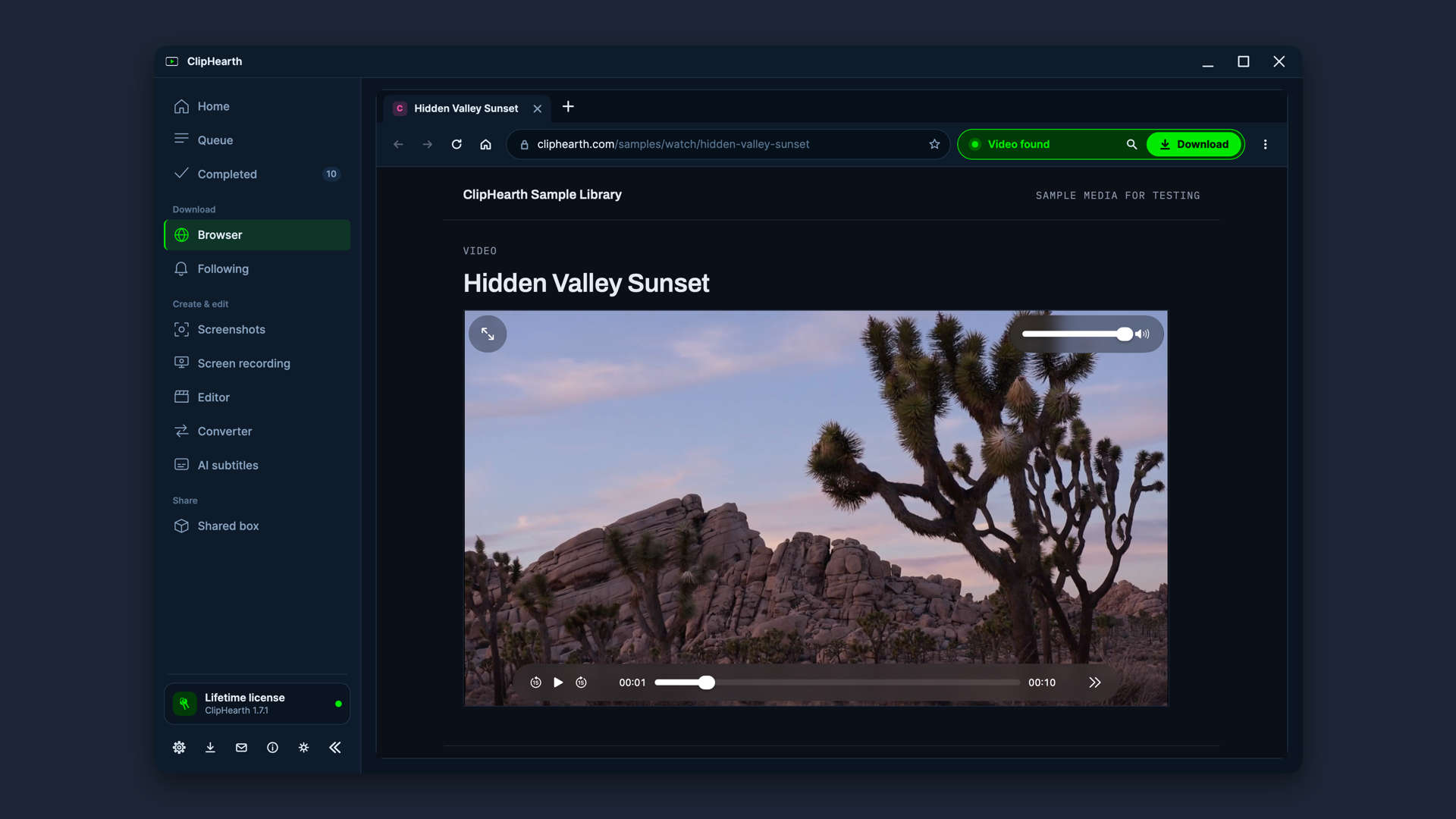
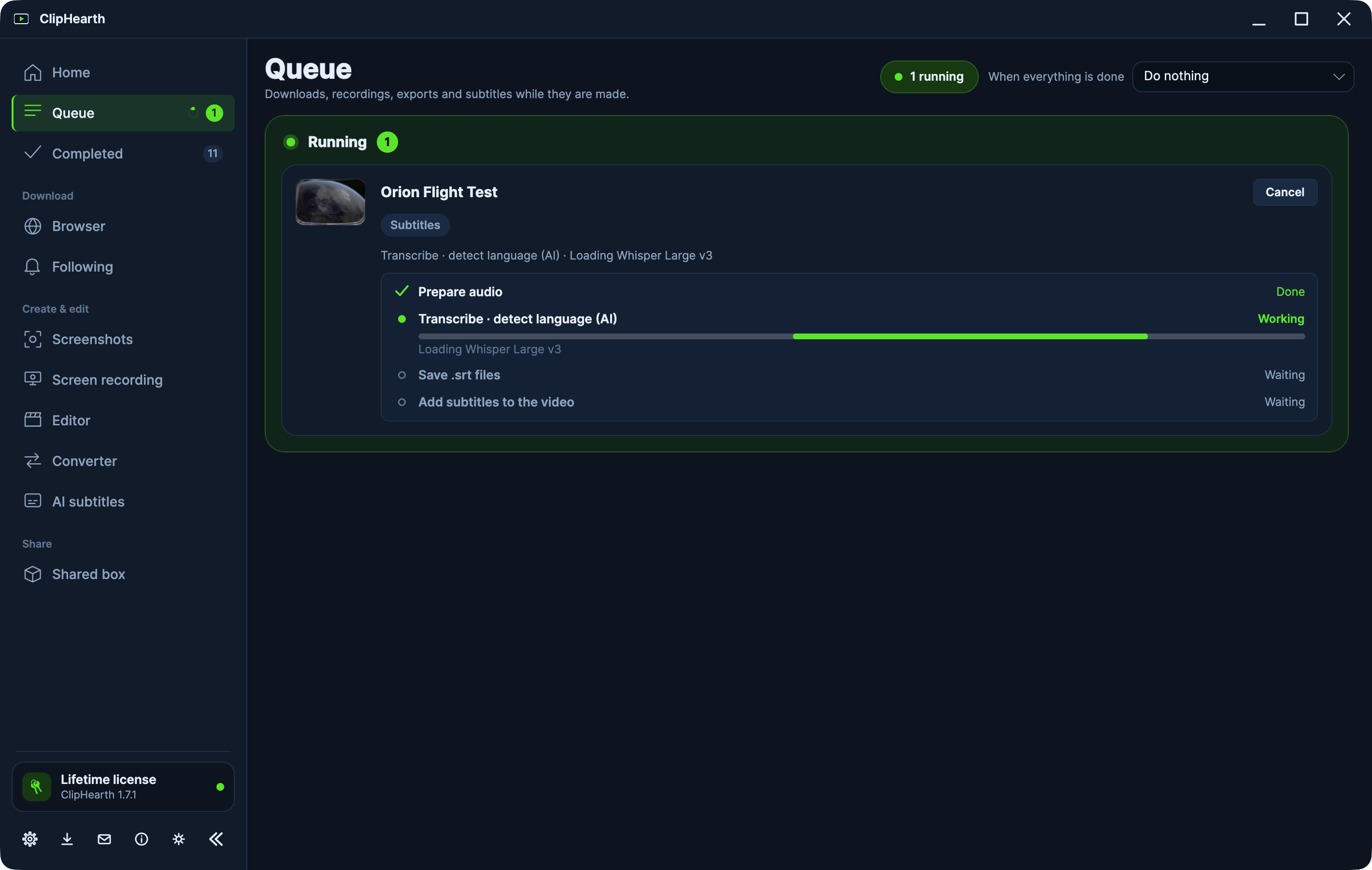
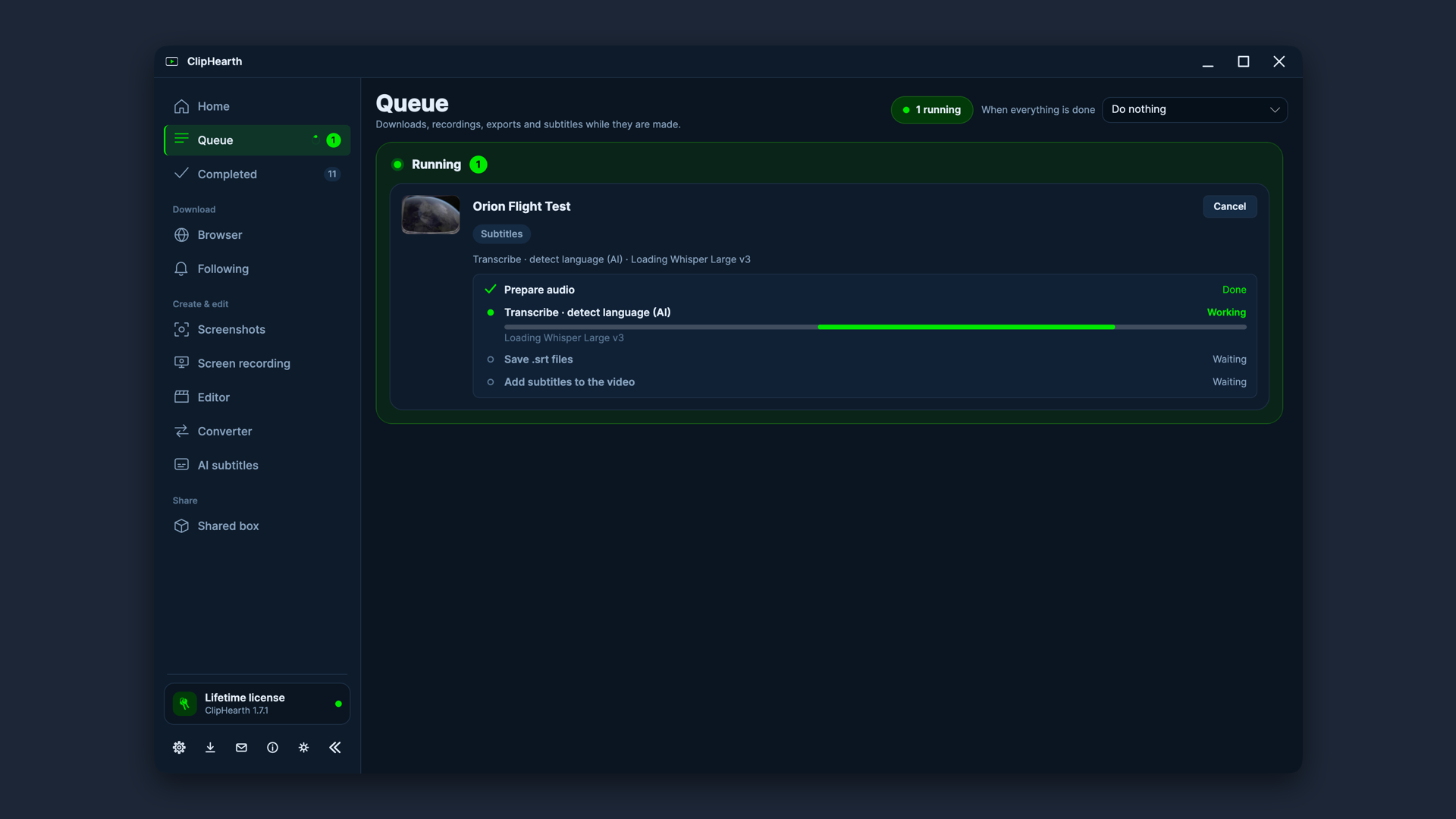
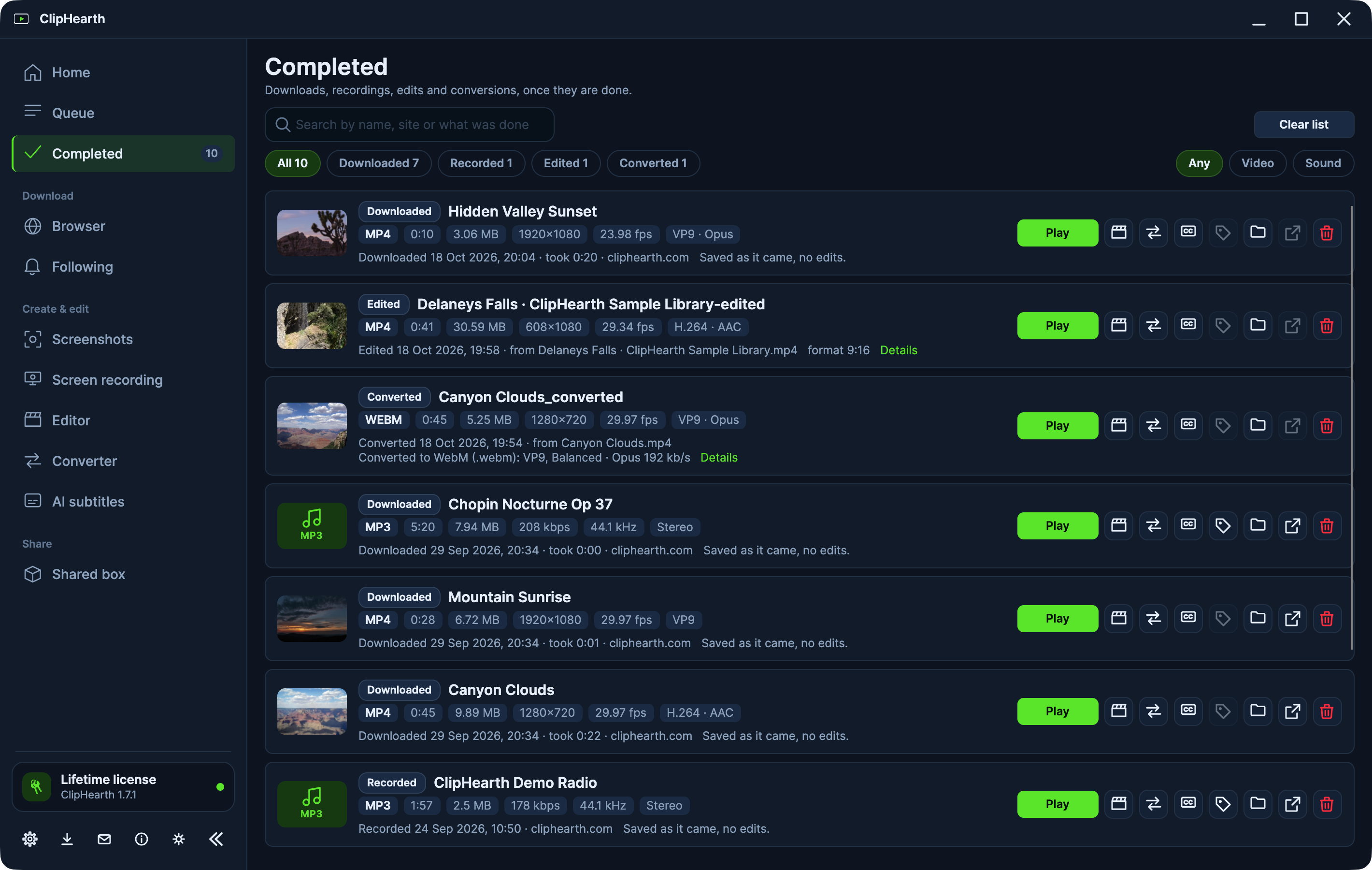
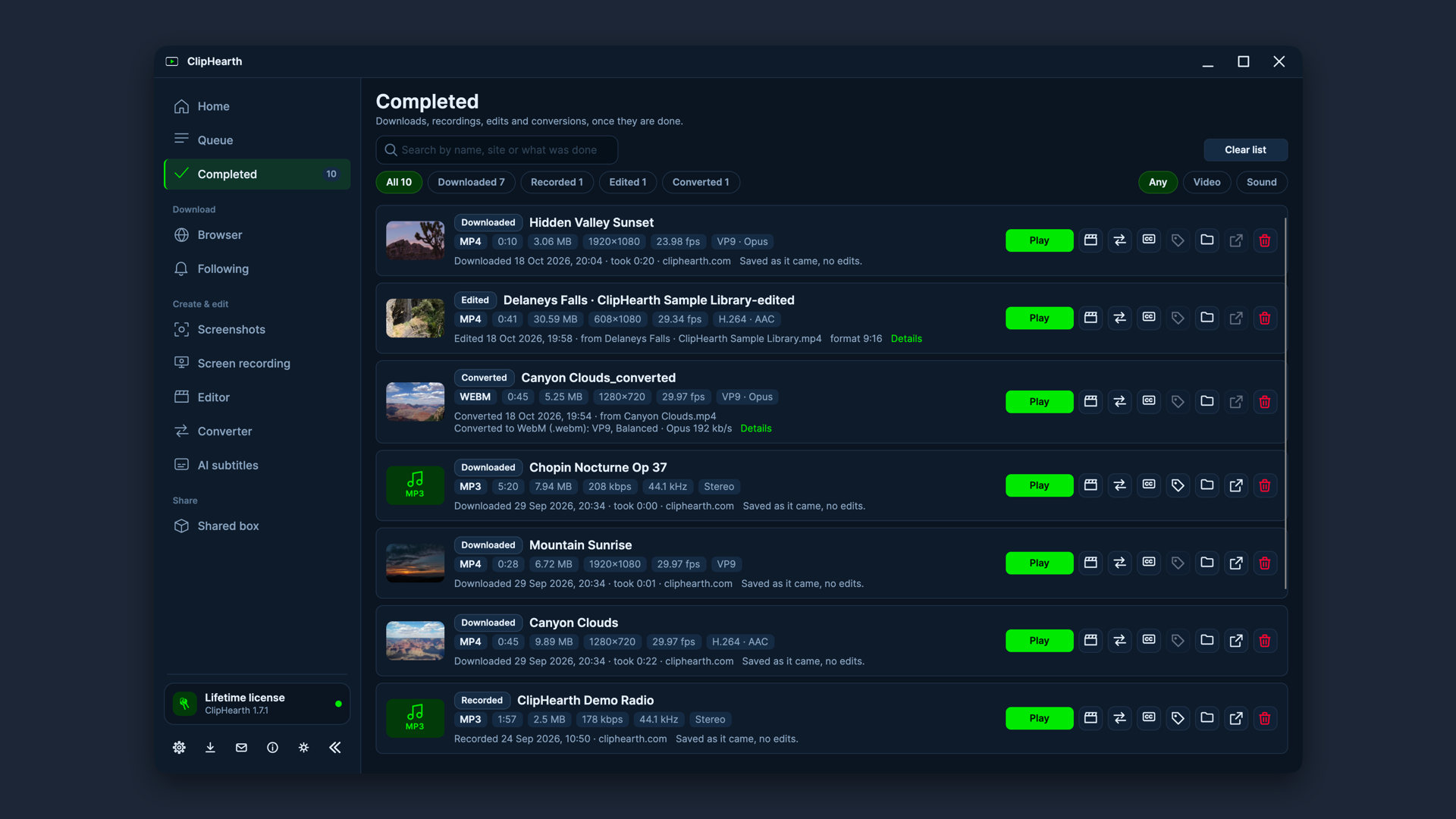
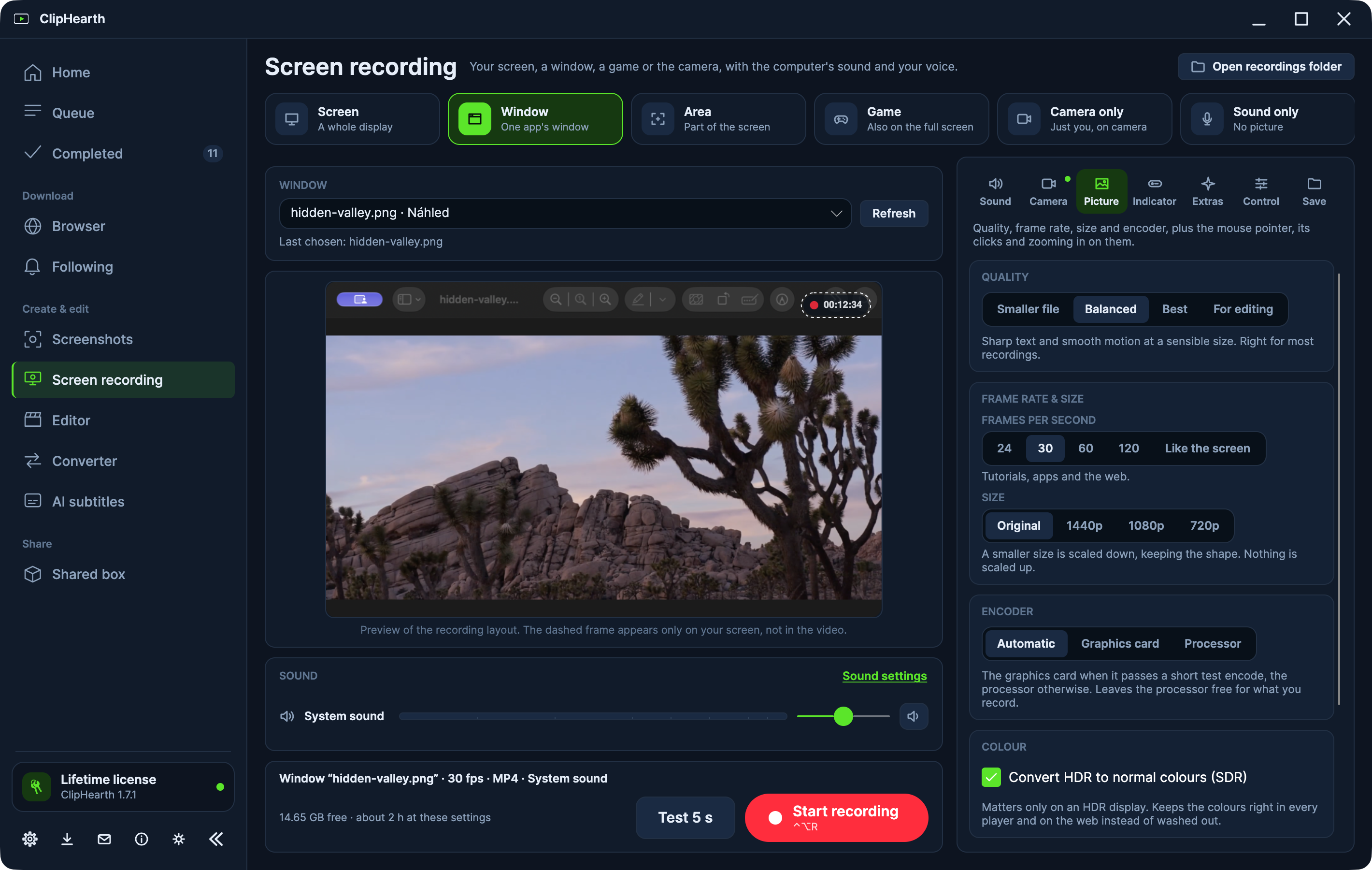
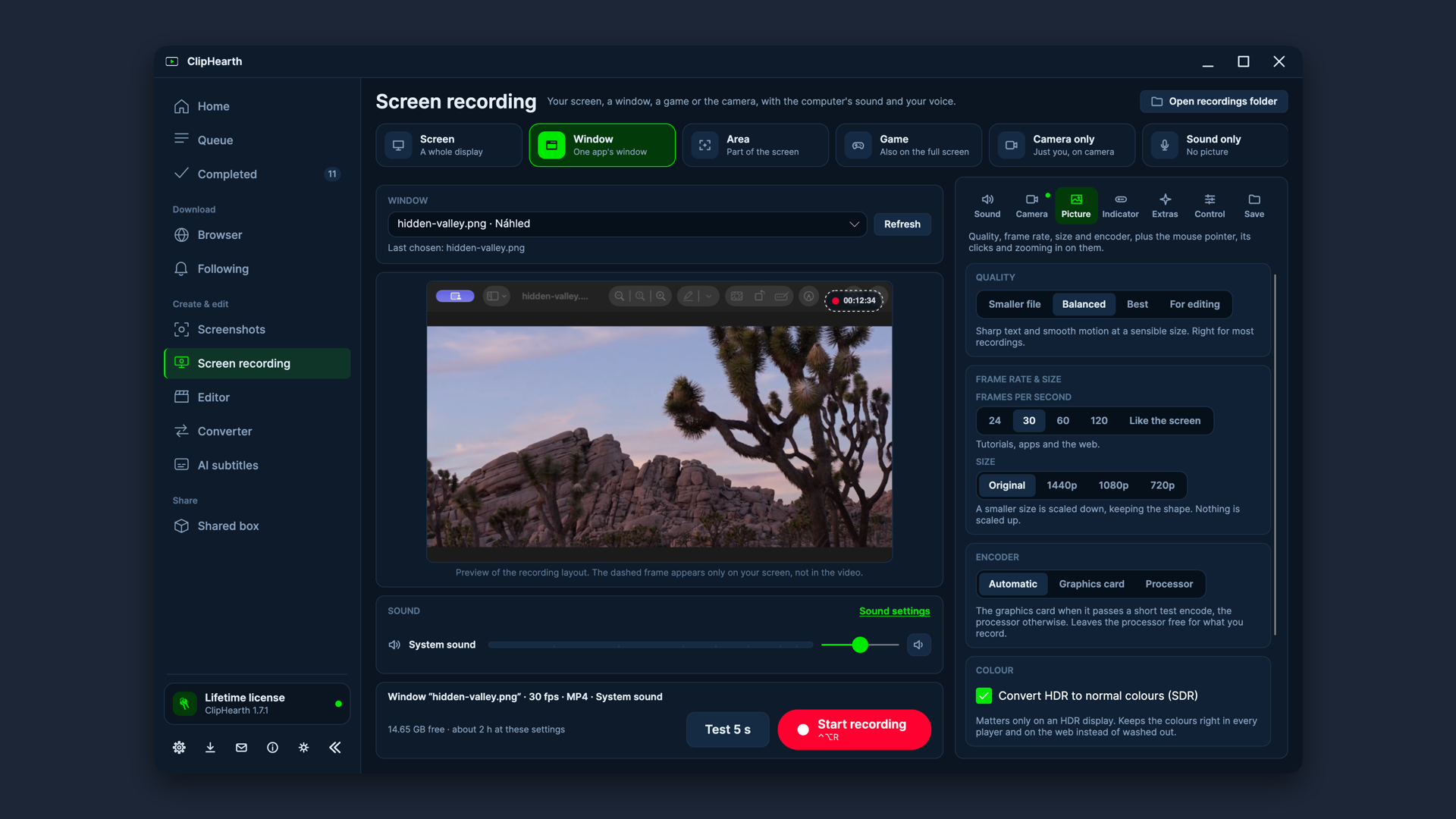
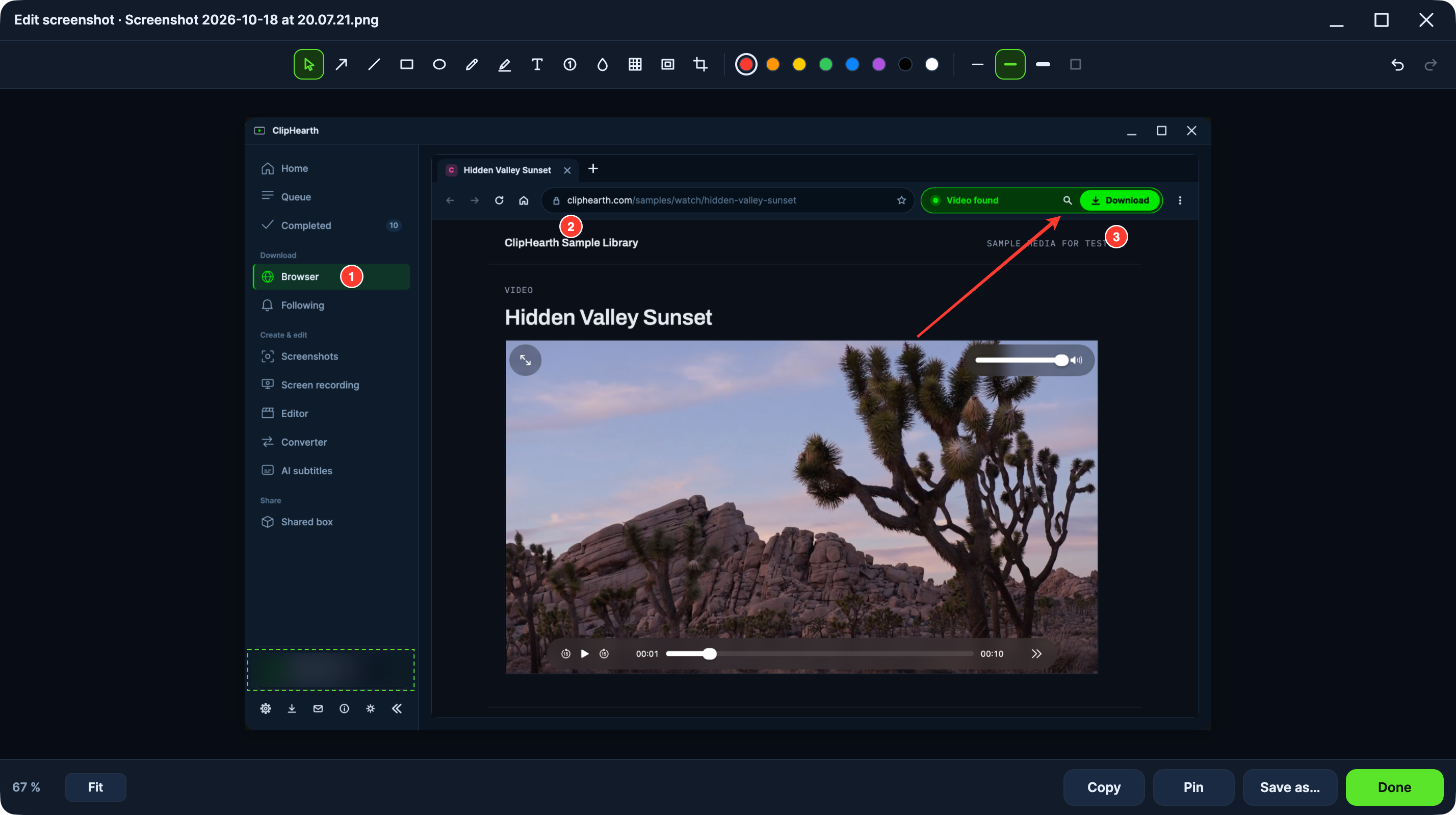
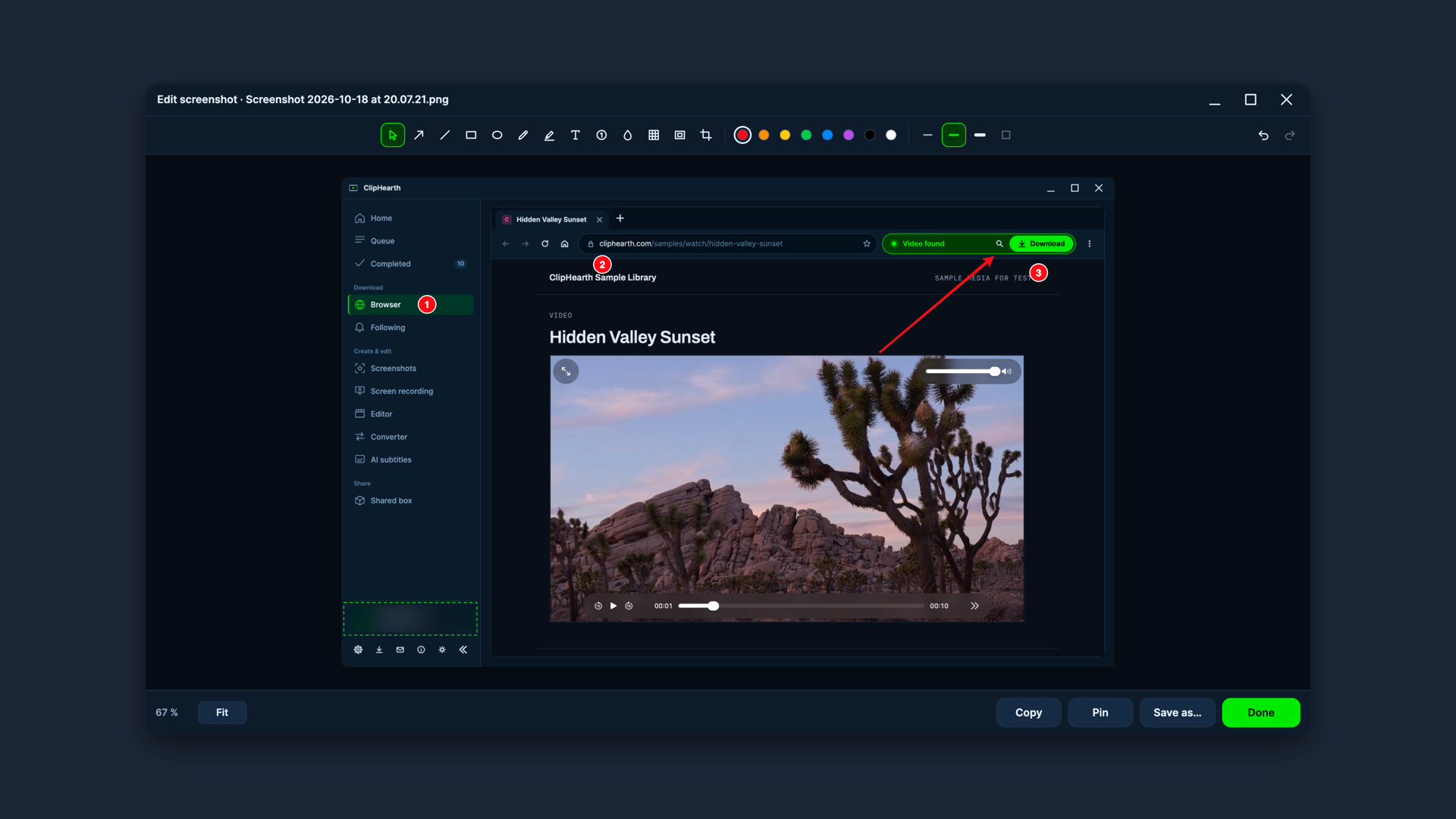
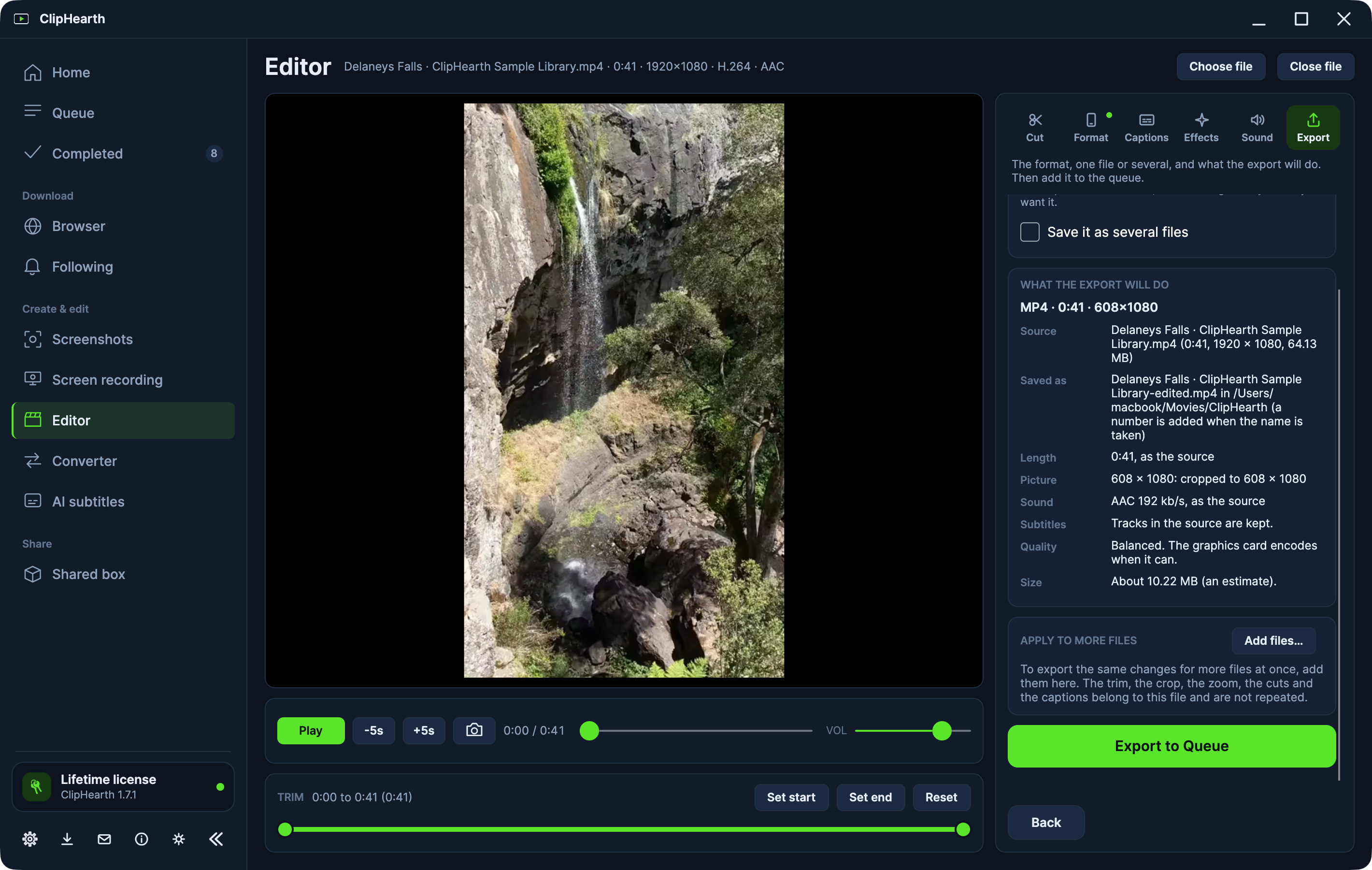
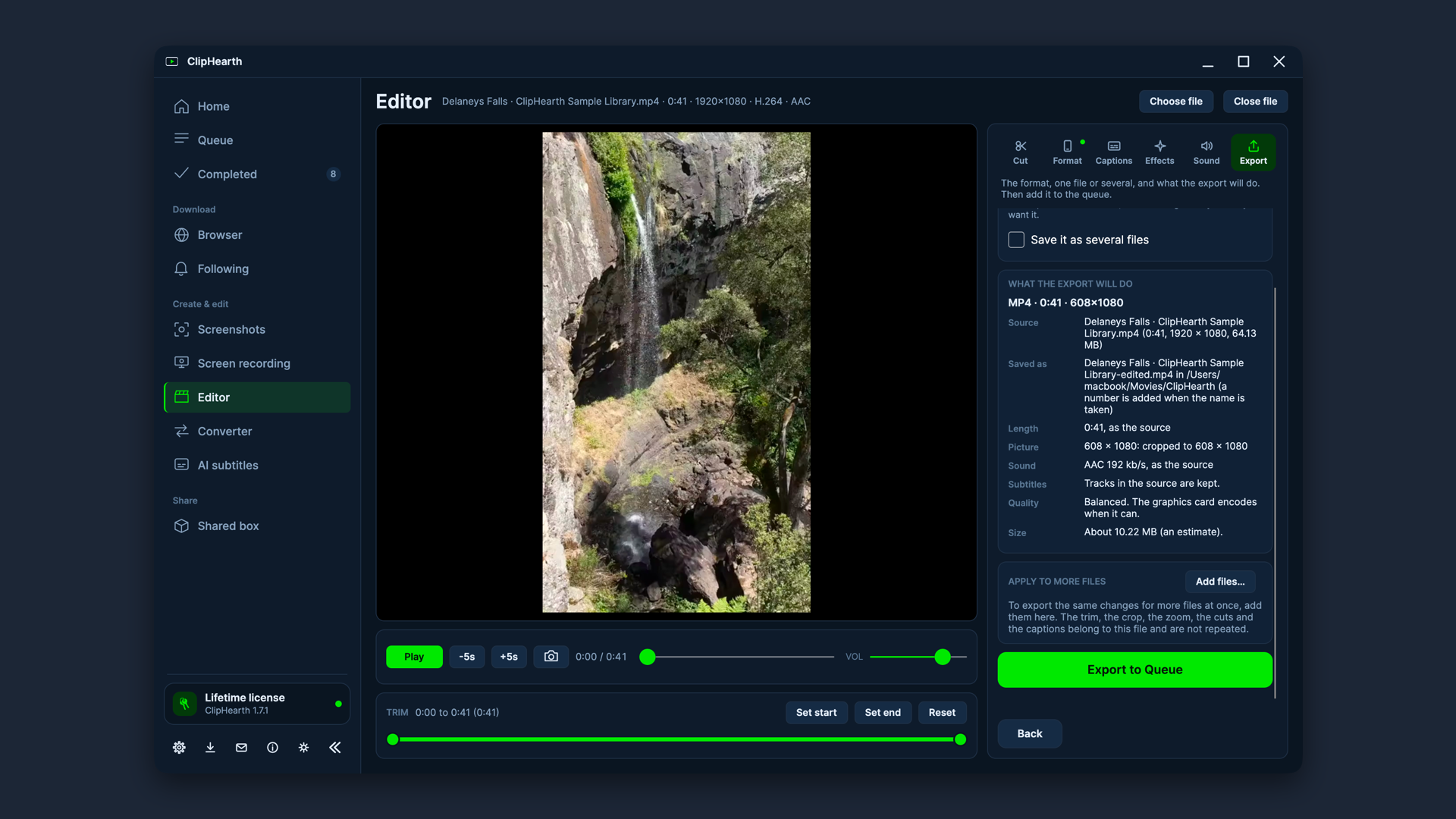
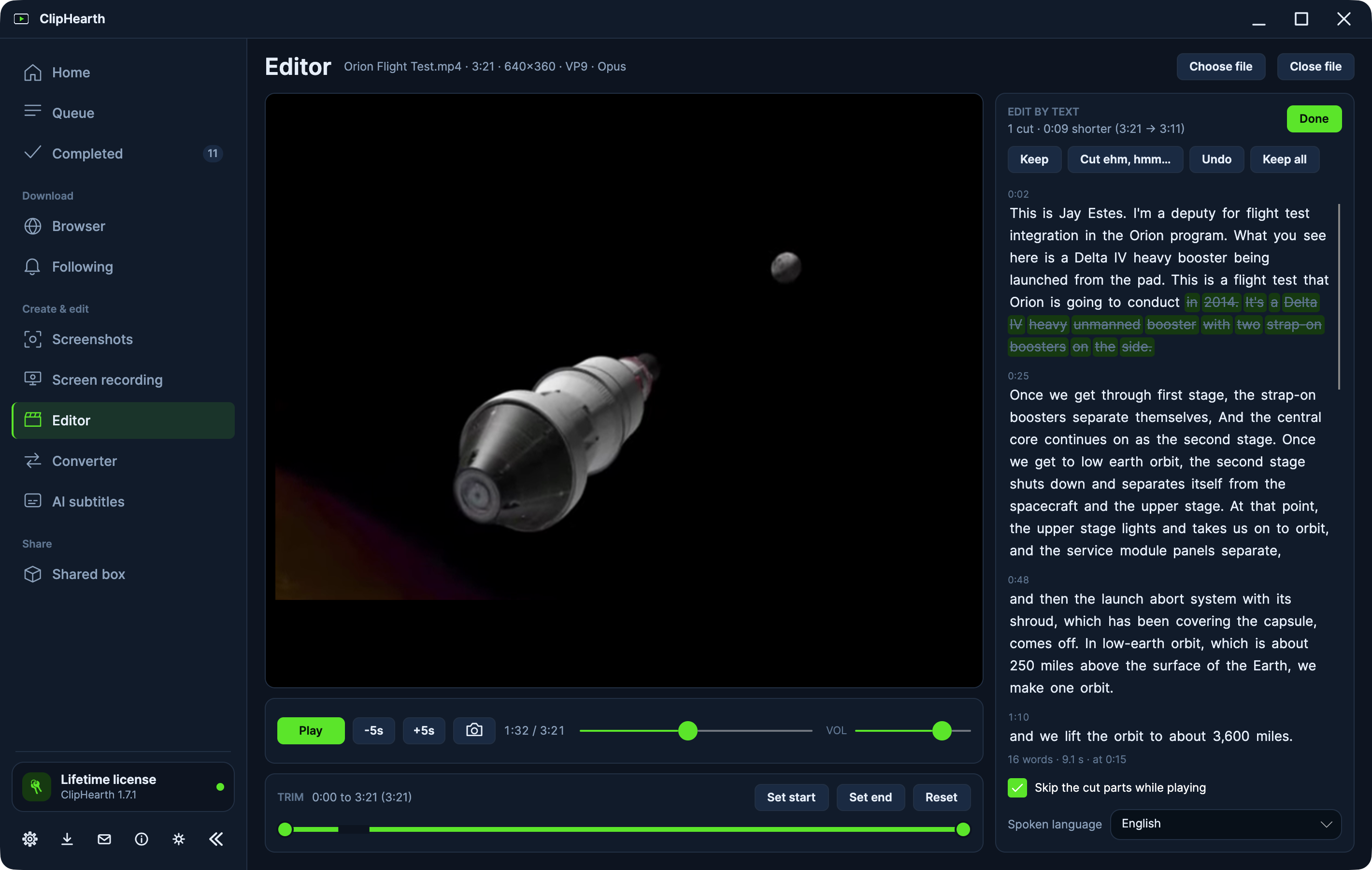
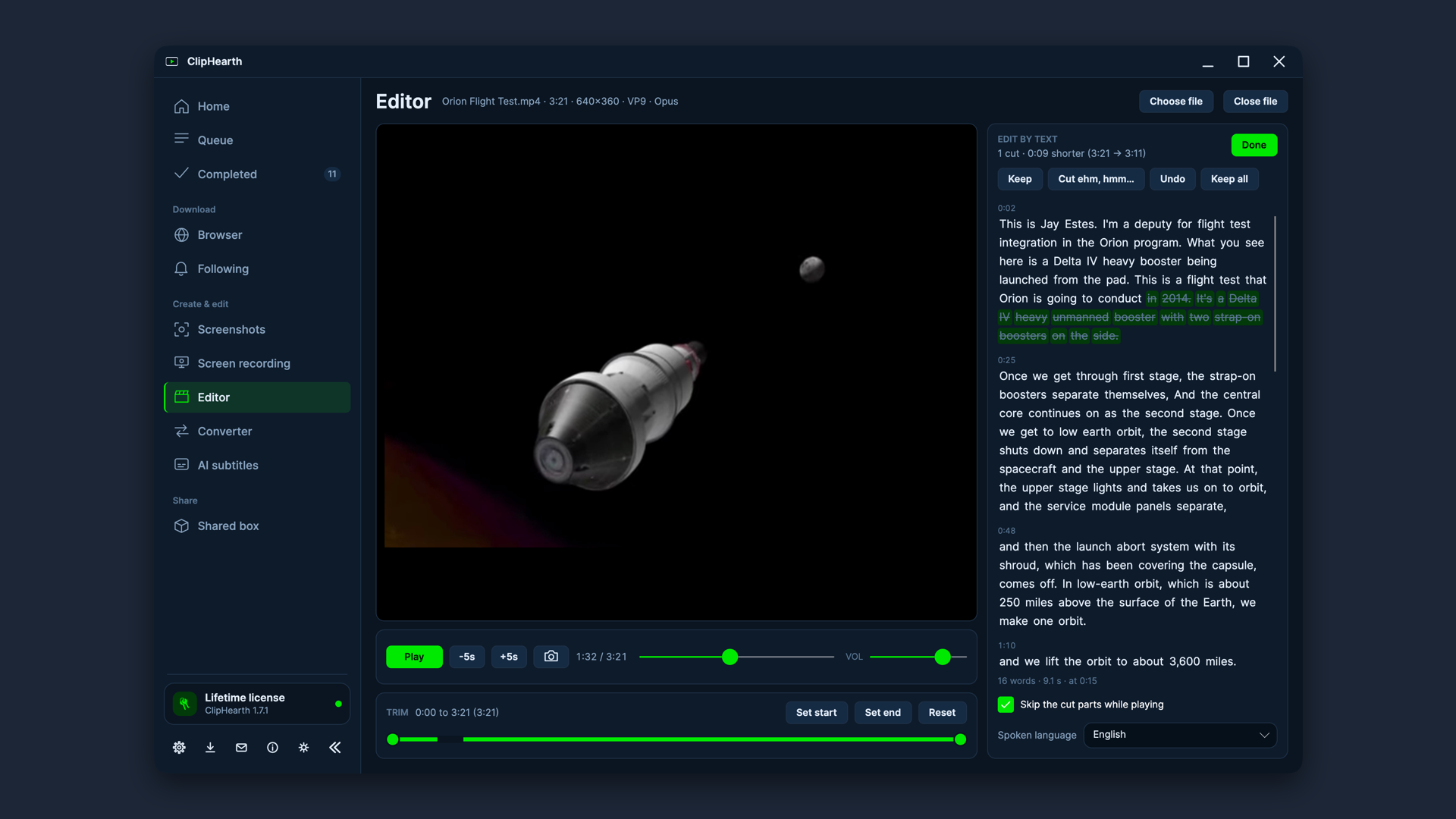
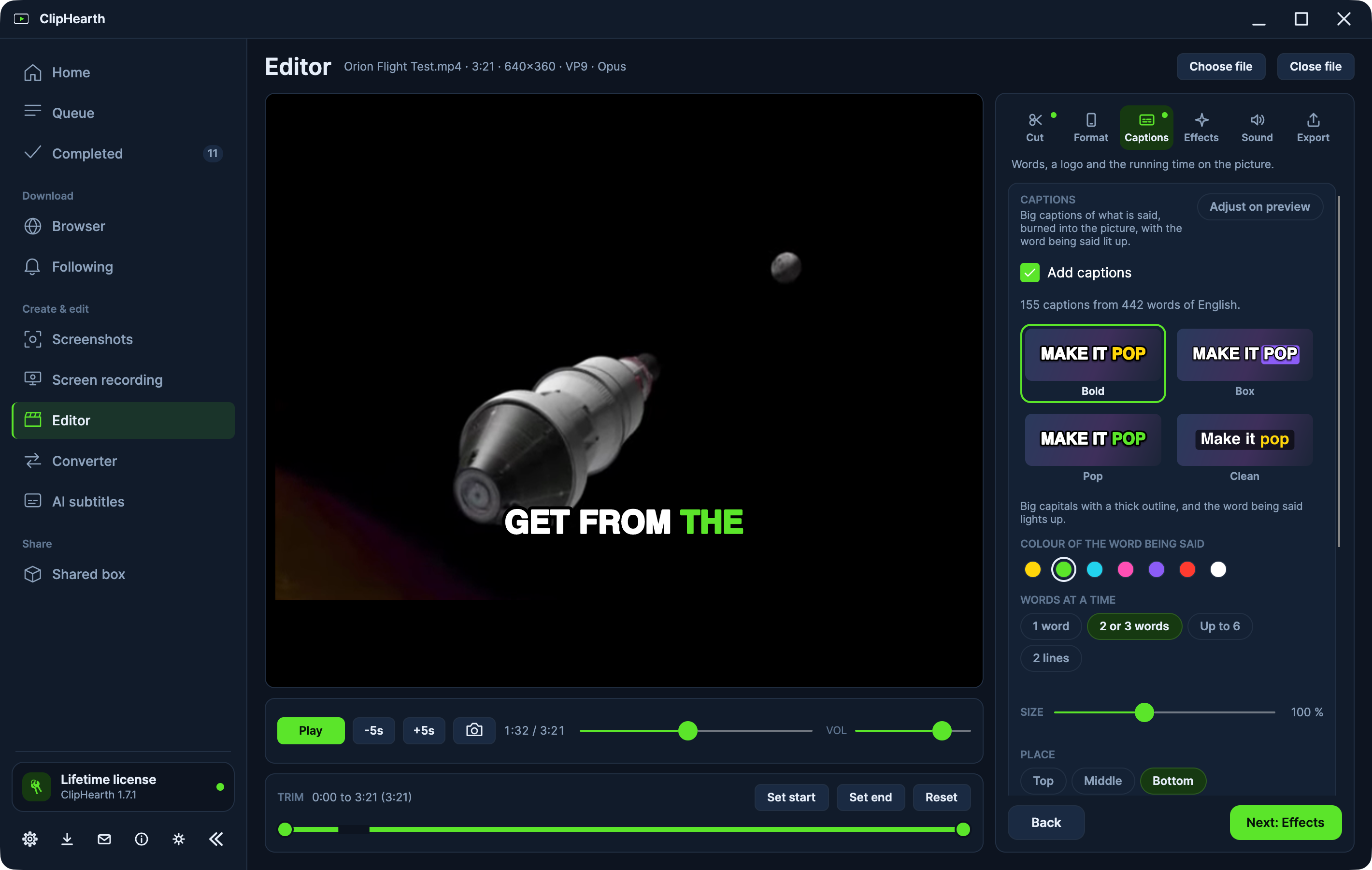
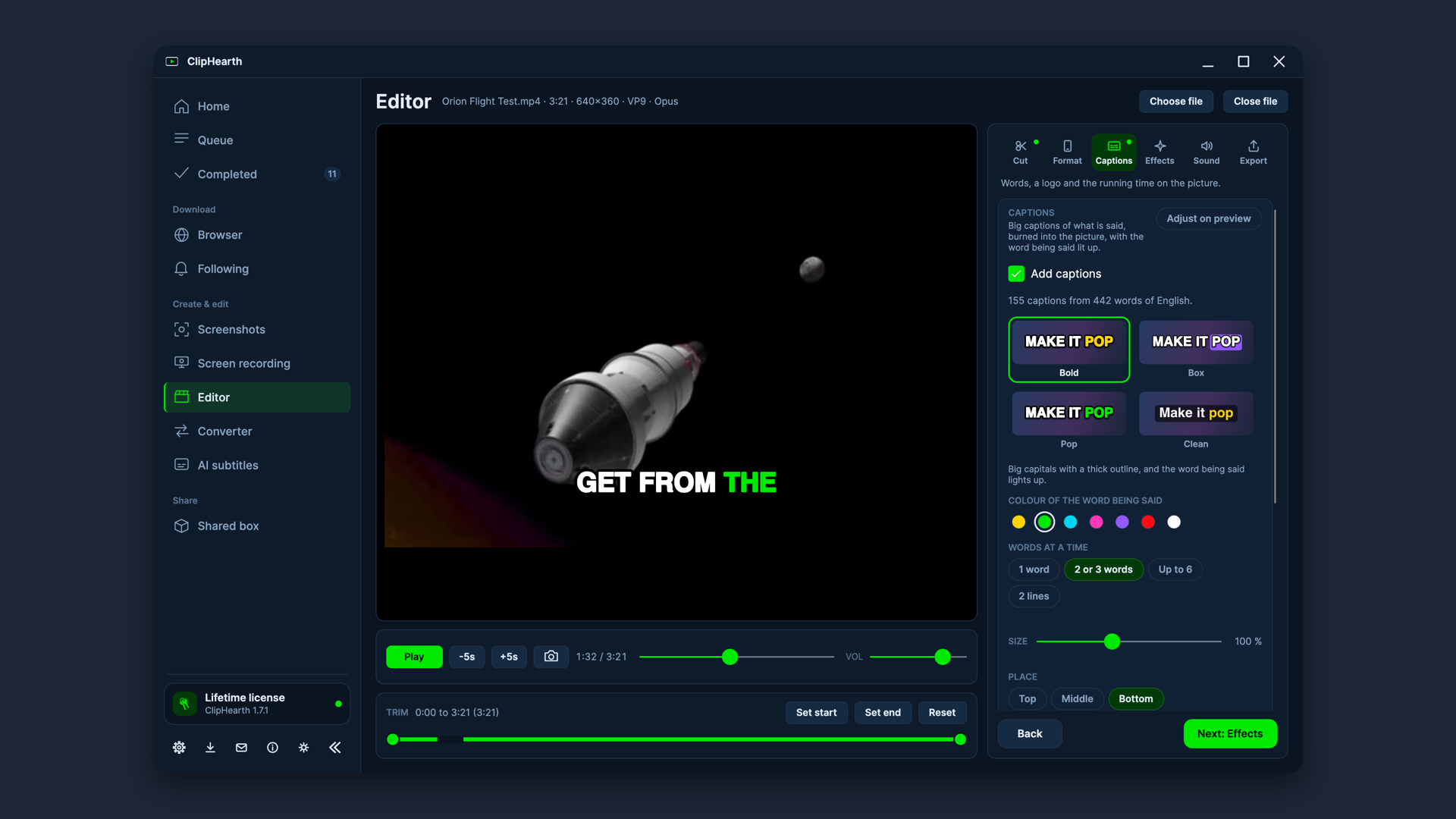
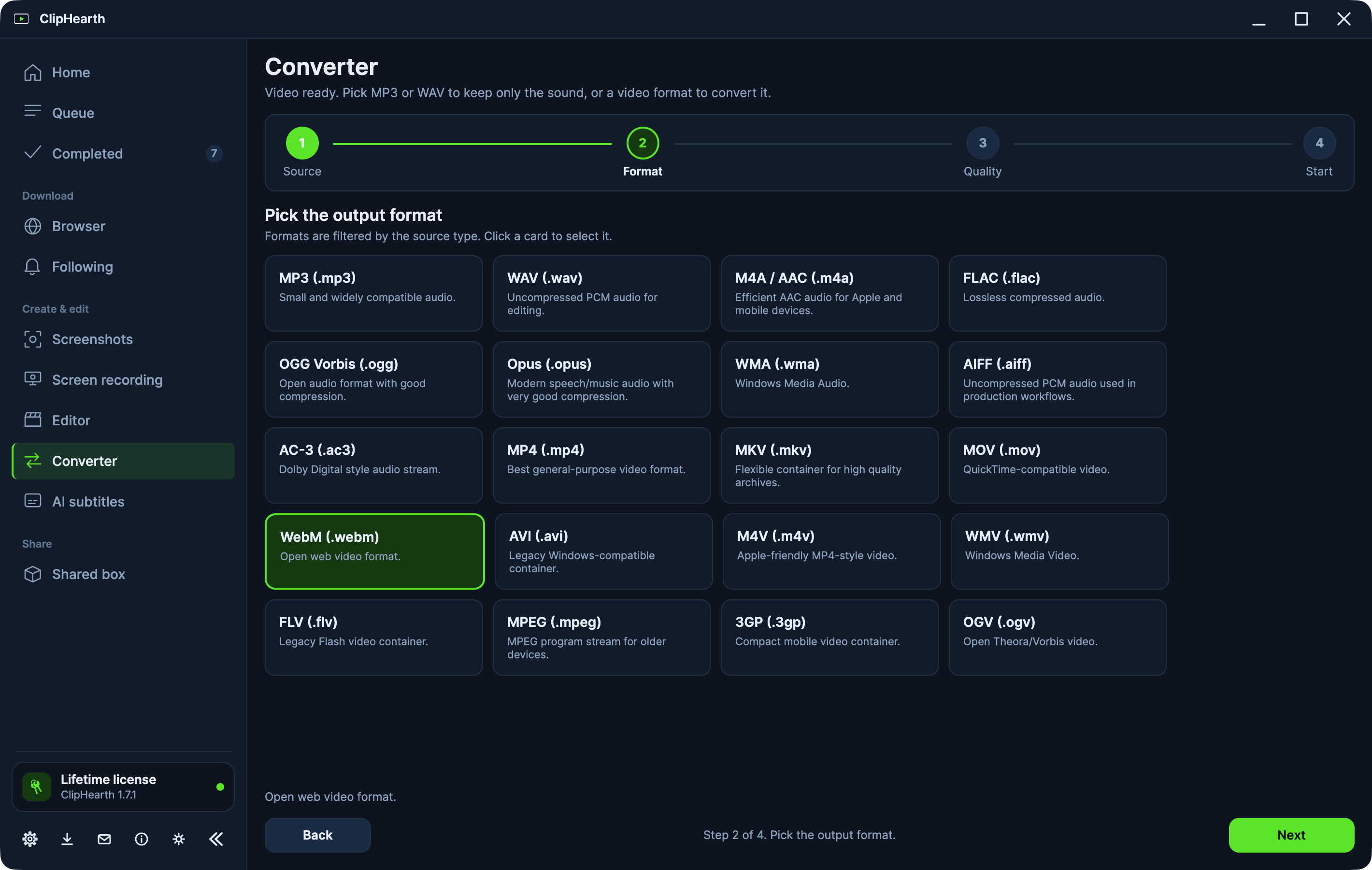
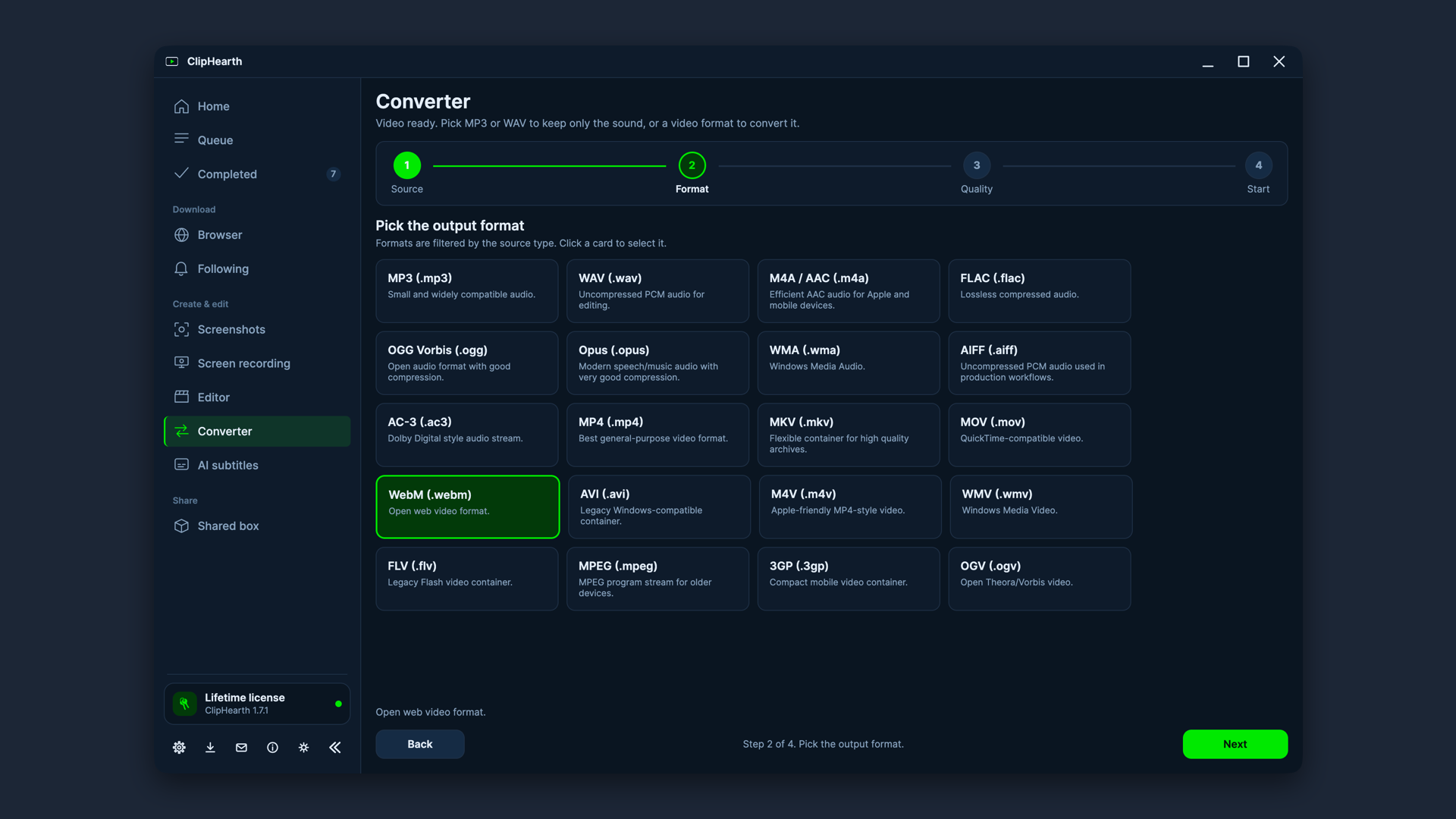
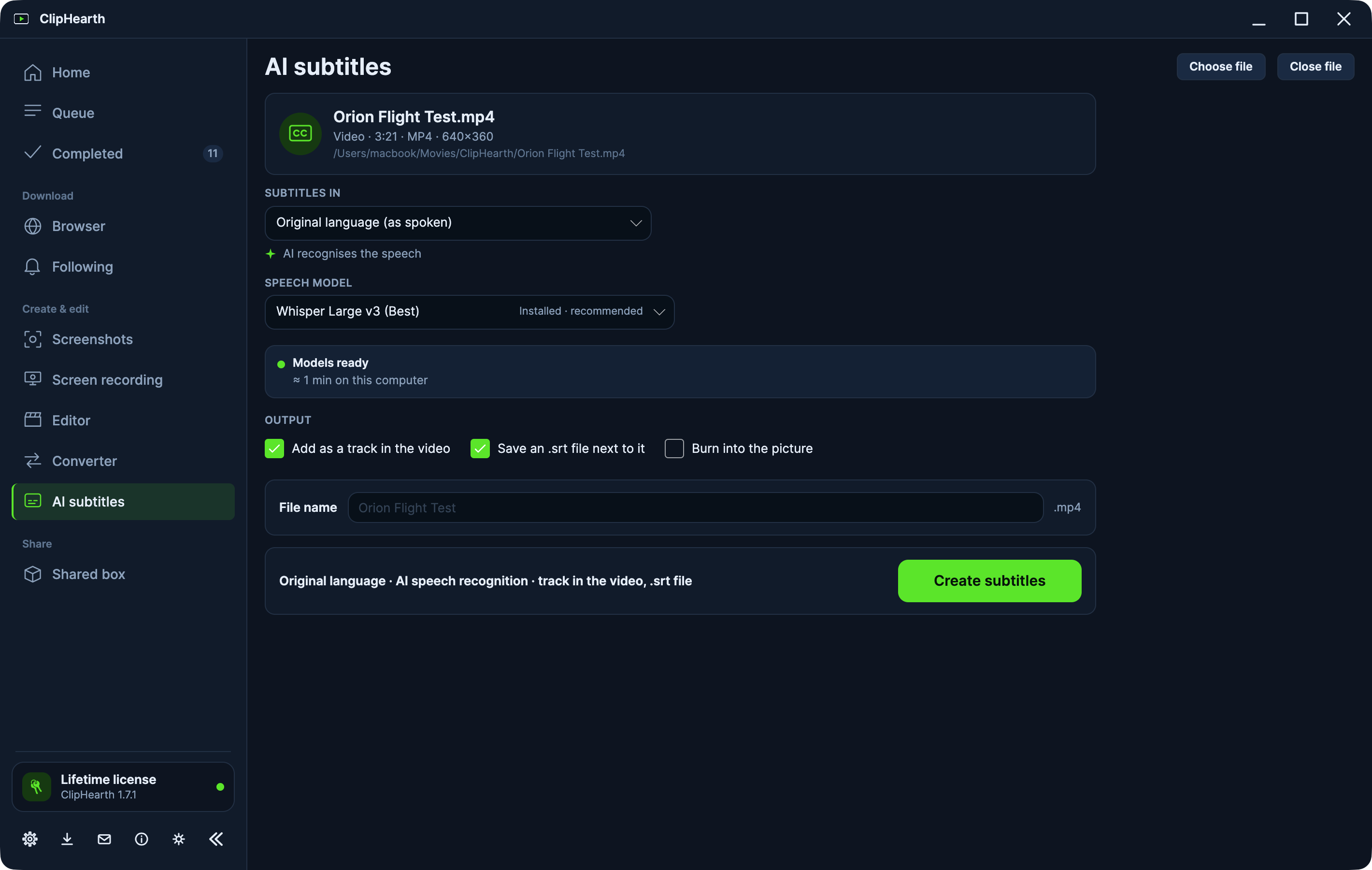
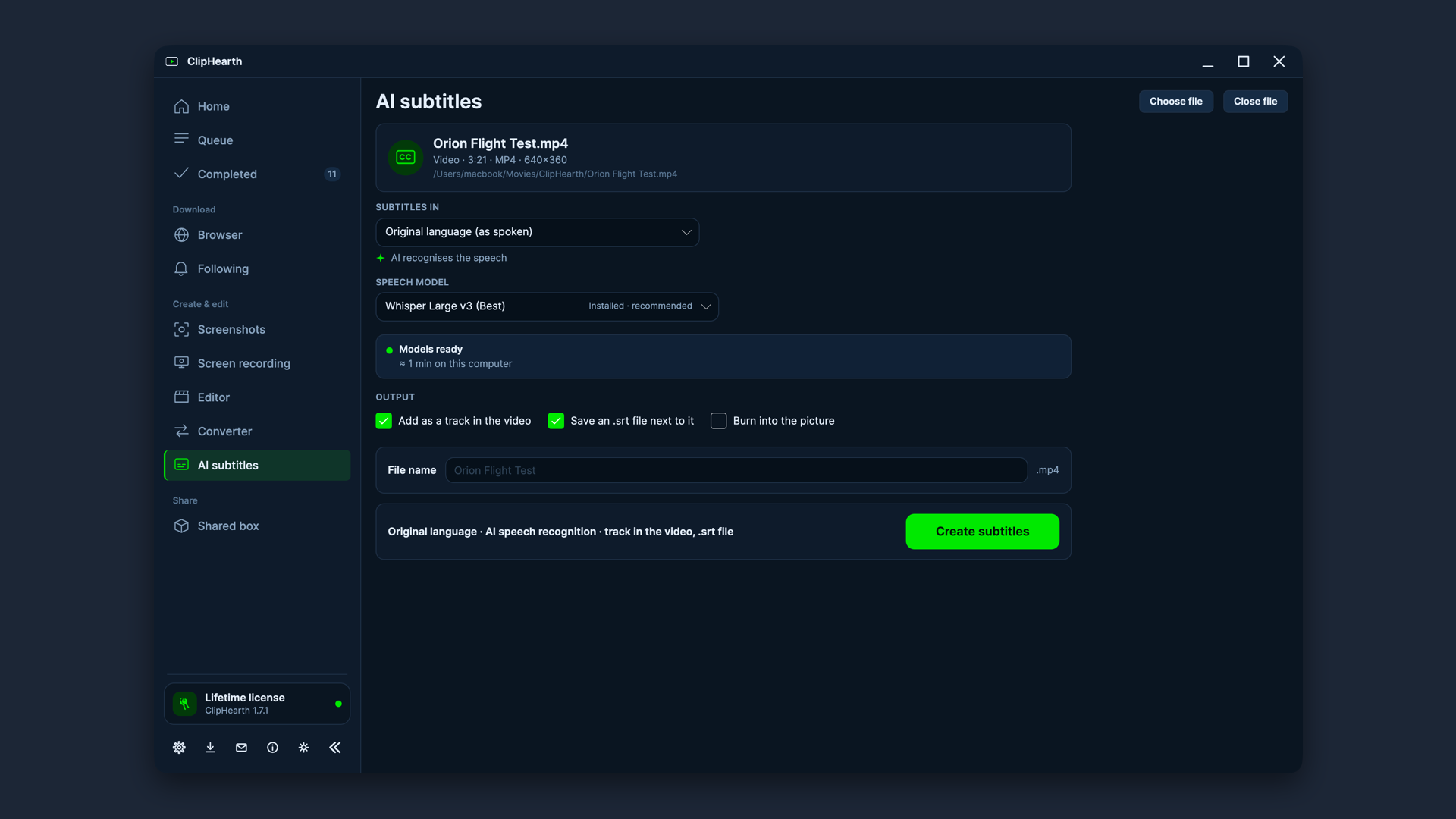
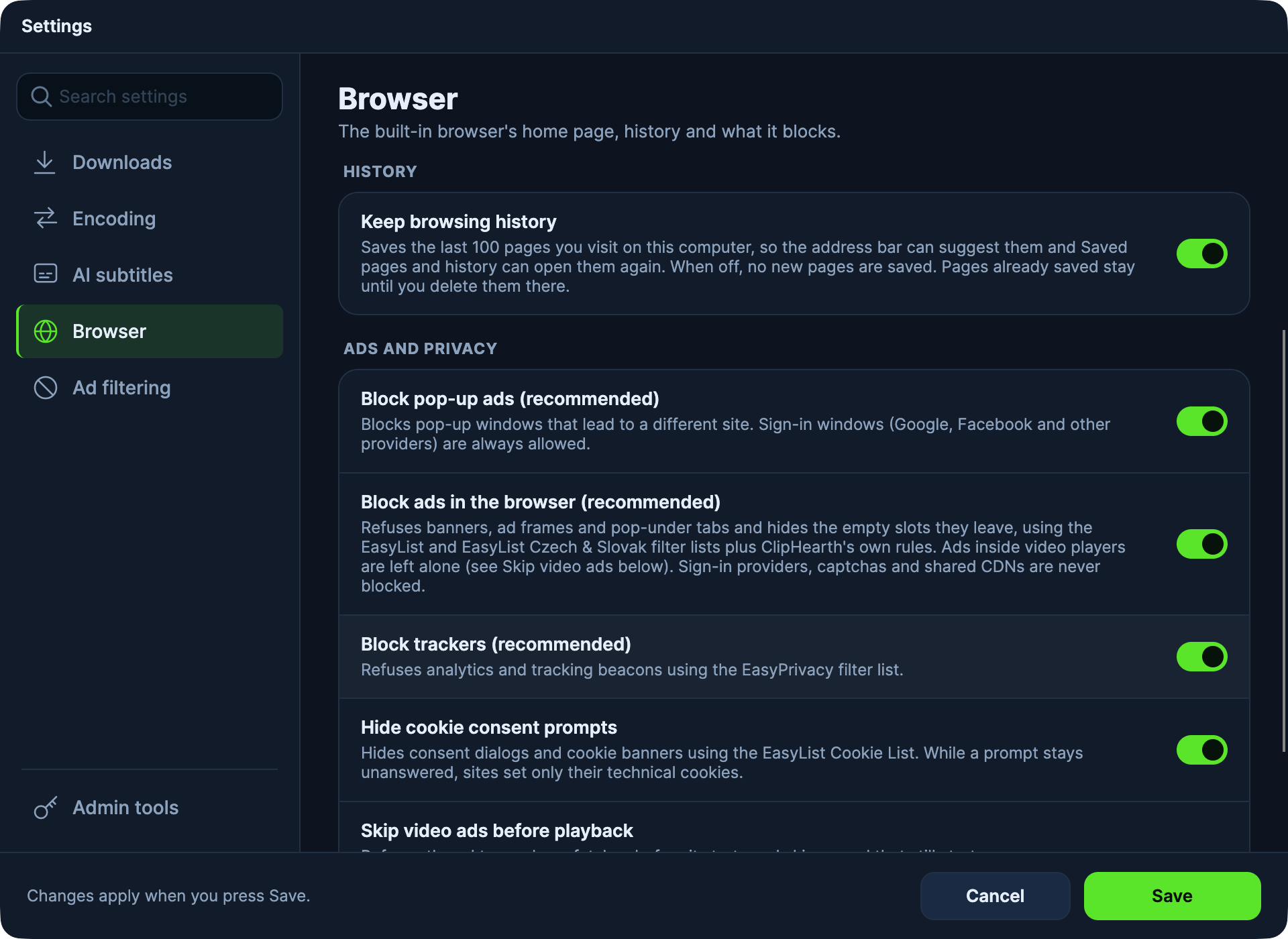
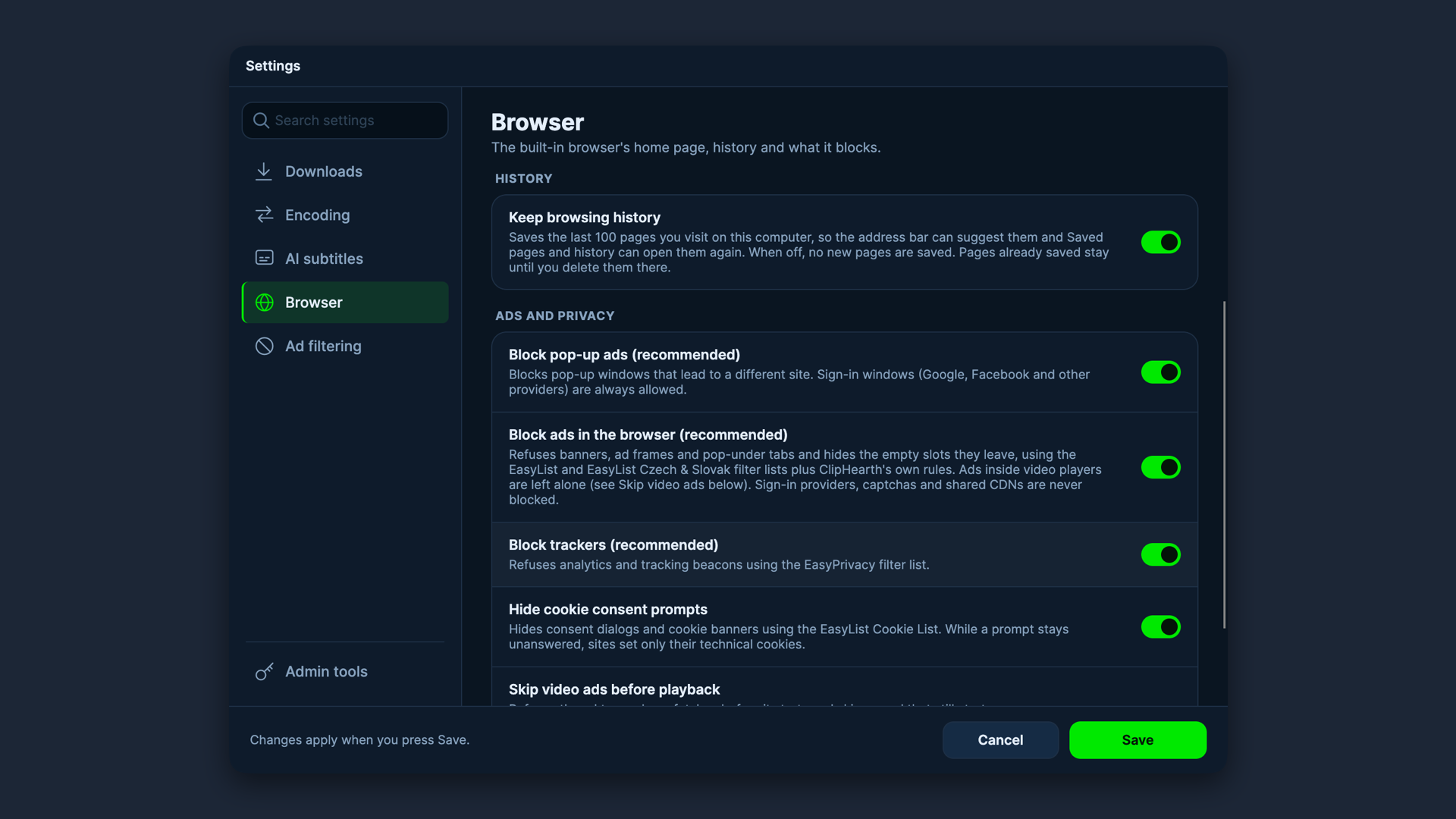
Captured on macOS with public domain sample media. Windows and Linux screenshots and a short screen recording are on their way. If you need something specific, write to info@cliphearth.com.
For reviewers
- We're glad to give you a full license for review. There's no obligation to publish, and we don't read or approve what you write beforehand. Please mention that the license was provided free of charge.
- Describe ClipHearth for what it is: a tool for media you own or are authorized to keep. It does not circumvent DRM, and protected content is not supported.
- The macOS builds are signed with a Developer ID and notarized by Apple, so they open normally. The Windows installer is signed as well.
- Found a bug while testing? Contact Us in the app's side menu sends your message with the app version and device id, so we can reproduce it quickly.