
Convert video and sound in batches, on your computer
The Converter turns files into 12 video and 9 audio formats, GIF included, in batches, with a preview of every file before it starts. It runs on your computer, and nothing is uploaded.
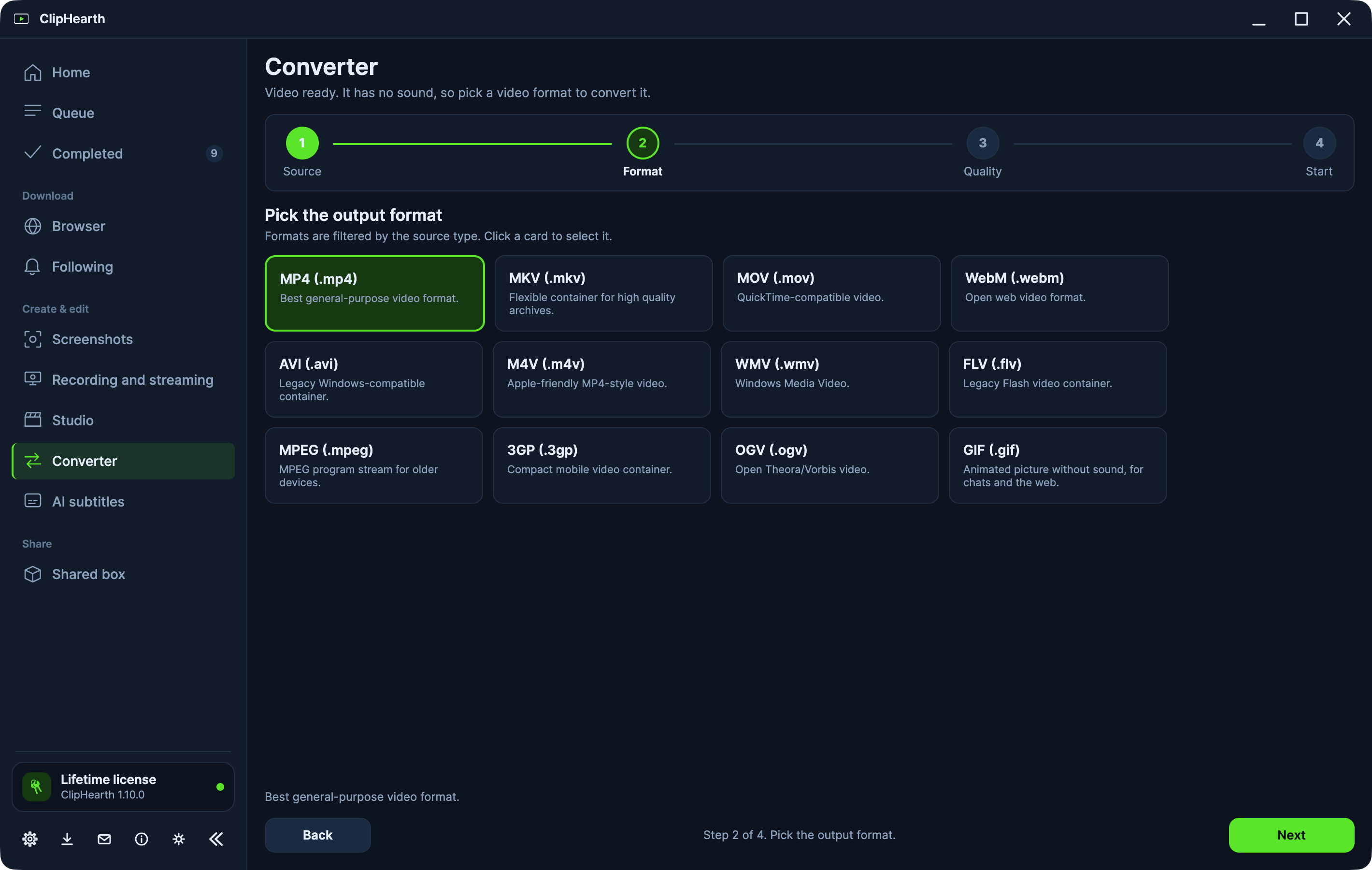
Batches with one set of settings
Pick Small file, Balanced, or High quality, or go manual with the codec, CRF, bitrate, frame rate, and resolution, and save your own named presets. Conversions use the graphics card on Windows, macOS, and Linux when it can, and fall back to the processor on their own.
See every file before it starts
Before a batch starts, it shows every file: what is copied and what is re-encoded, the output name, a size estimate, and which files it will skip.
Fit into a file size
Tell it the limit, 10, 25, or 50 MB or any size, and the file comes out no bigger, encoded twice to get there.
Keep every track and the chapters
MP4, MOV, and MKV keep every sound track and the chapters when the output can hold them.
Watch a folder
New files in a watched folder are converted once they are finished, into the format you chose, and the originals are never touched.
GIF both ways
Videos become GIFs, and GIFs become videos.
Questions
Is the Converter free to try?
Yes. Each conversion is one of the three tasks of the free trial on each computer.
Are my files uploaded anywhere?
No. Conversions run on your computer.